Official game
Play The Mabeilial Key
This game is hosted by itch.io. Continue to the official page to play or download it.
Download on itch.ioWhat Is The Mabeilial Key?
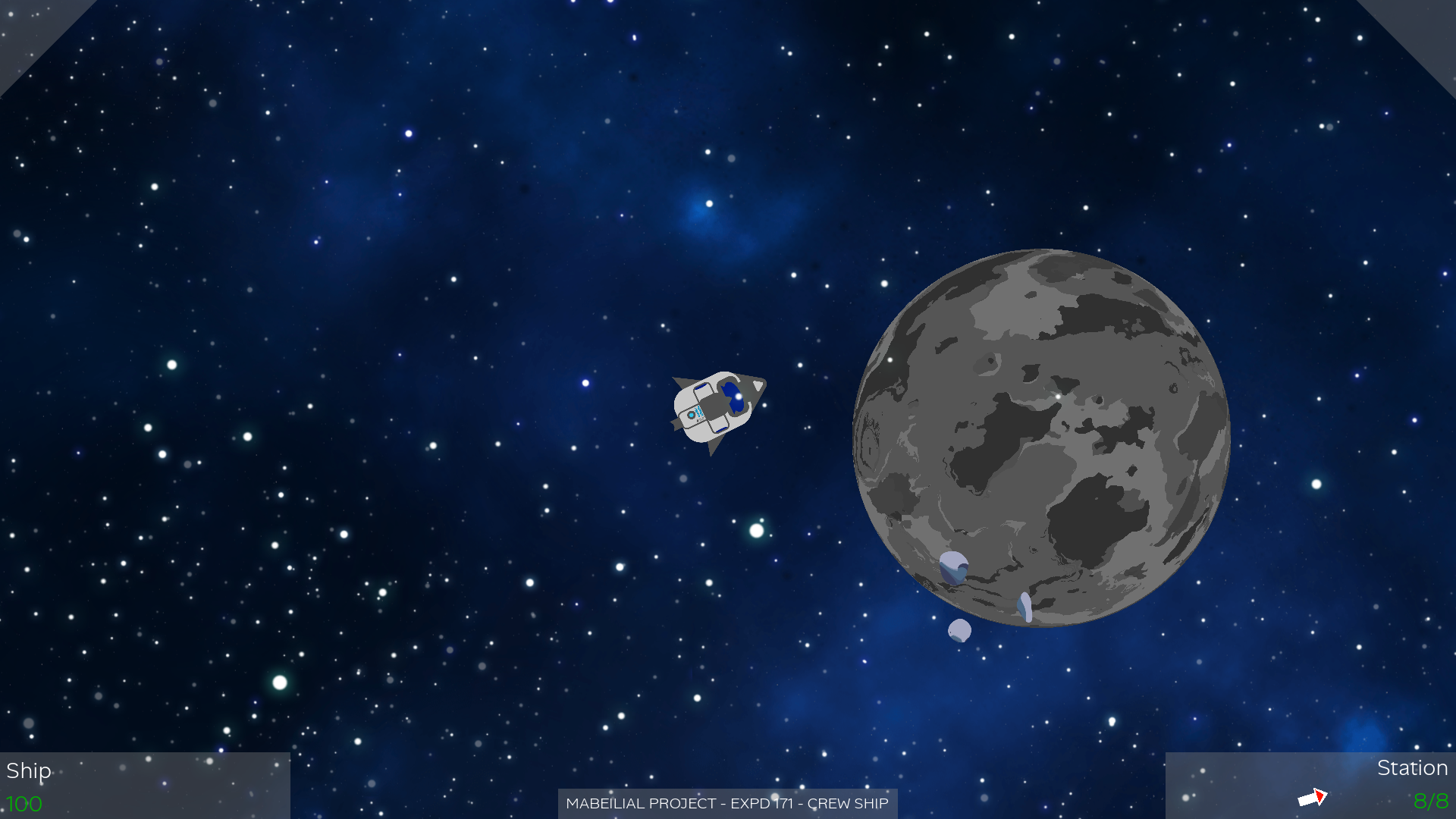
The Mabeilial Key is a free 2D top-down space shooter developed by HyperKk (itch handle HyperK0), a Game Design & Development student at Creative Seeds in Brittany, France. Created as a 10-week Godot 2D project, the game puts you in control of a small transport ship returning from a critical mission — delivering the rare mineral "Mabeilial" back to Earth to save humanity.
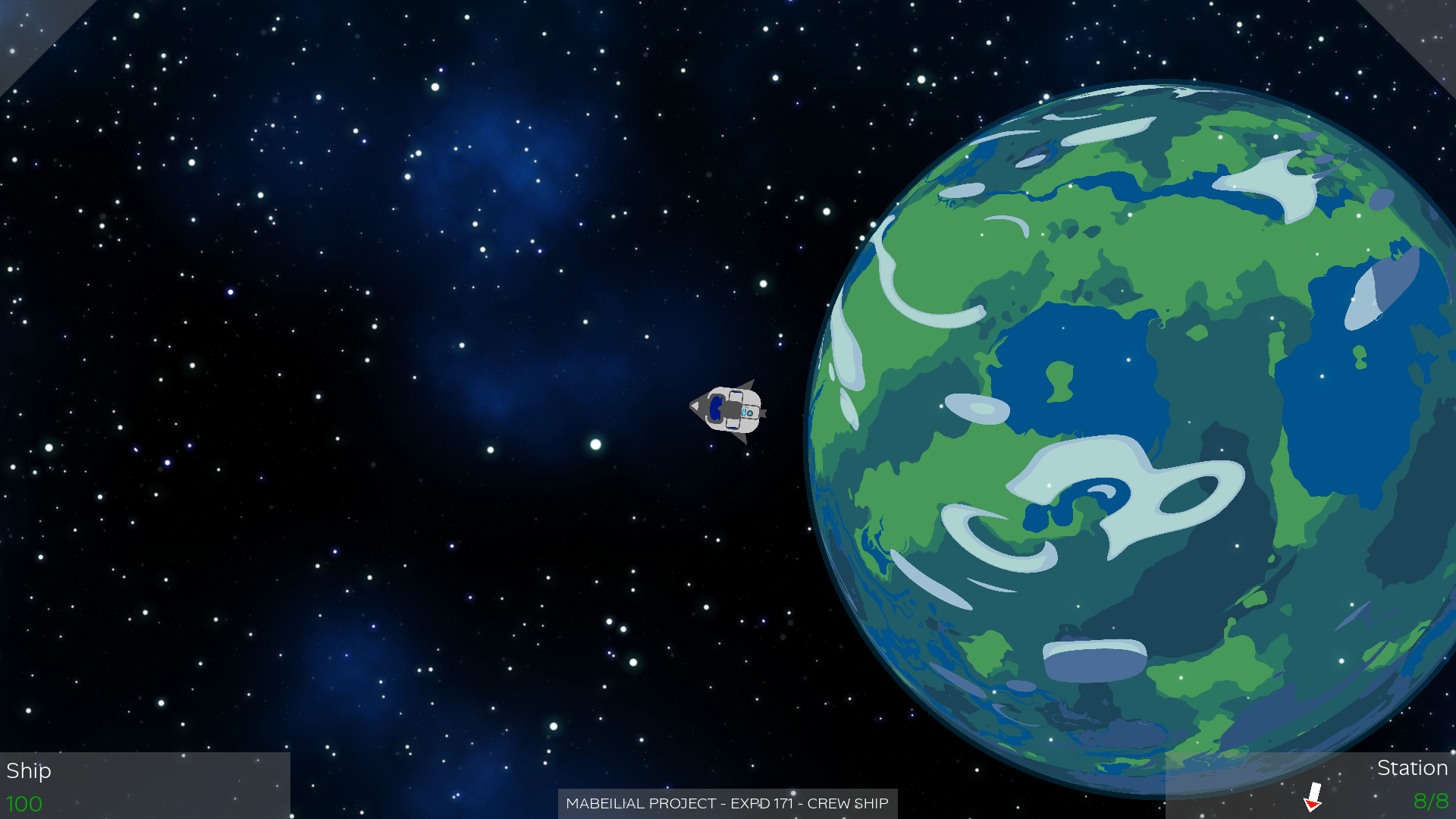
The premise is straightforward: you are a stellar transporter, overworked and under-equipped, facing an alien armada that has seized control of planet Earth. With your precious cargo aboard, you must blast through increasingly tough waves of enemy ships, protect your equipment, and make it home alive.
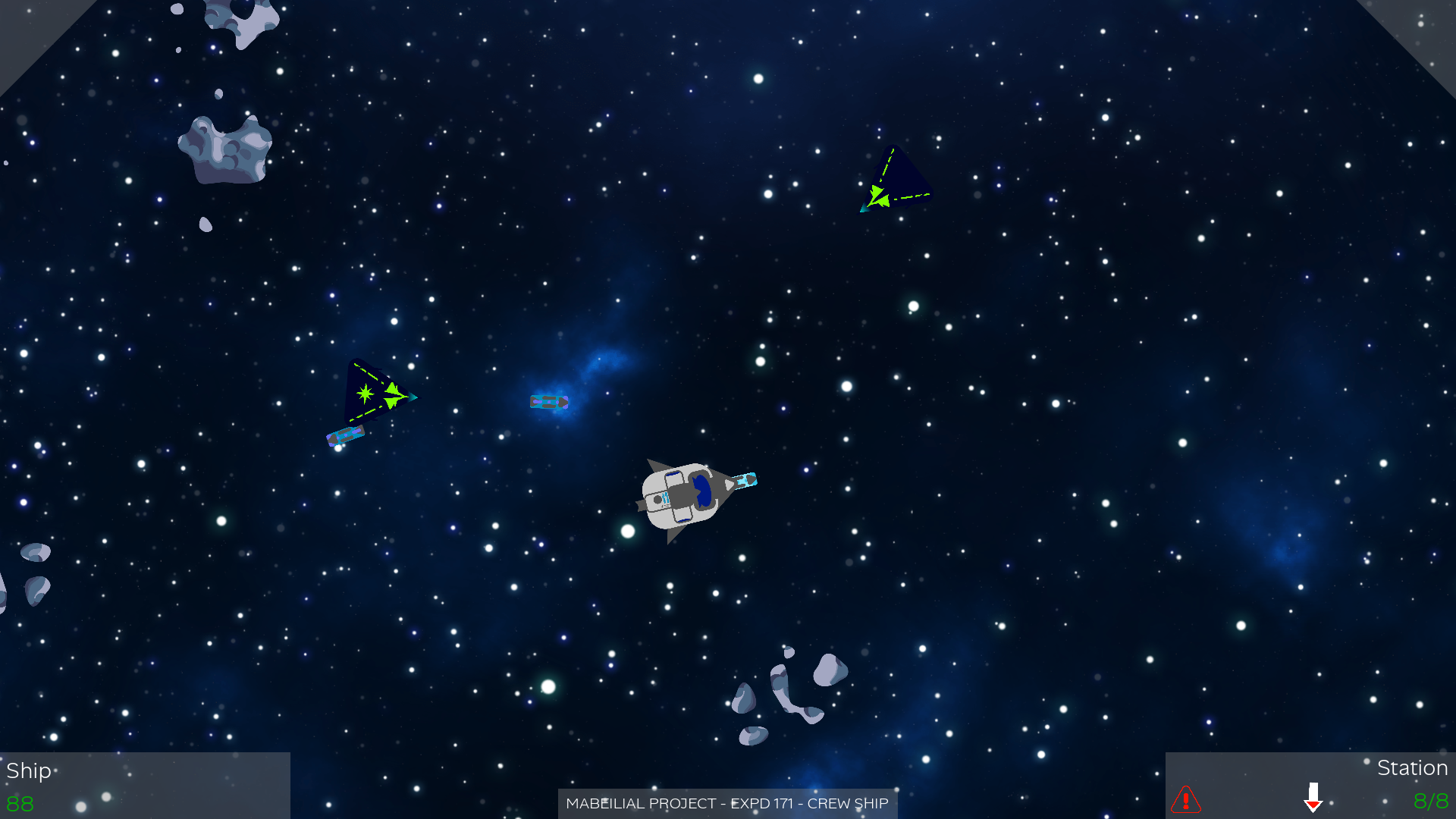
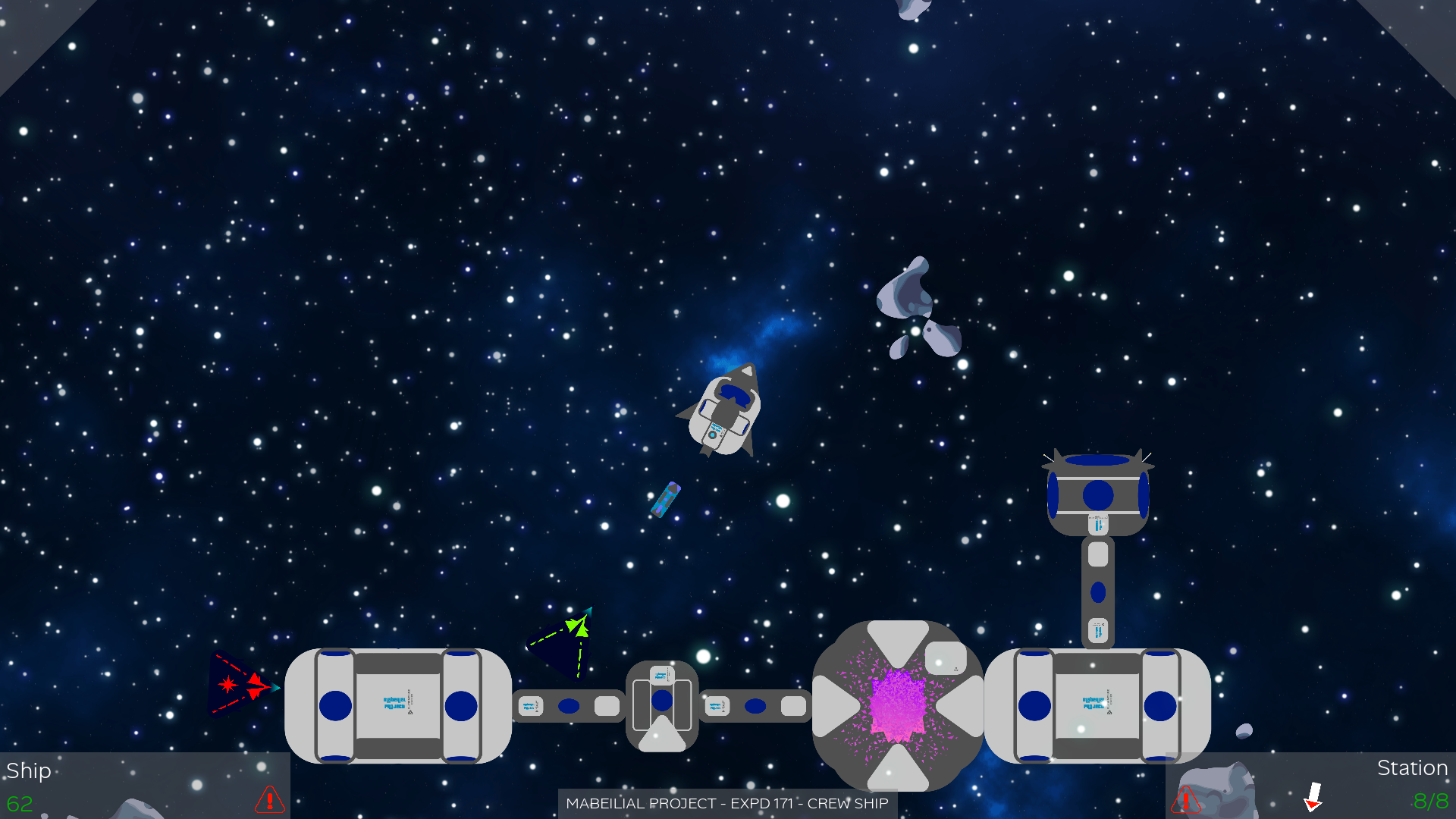
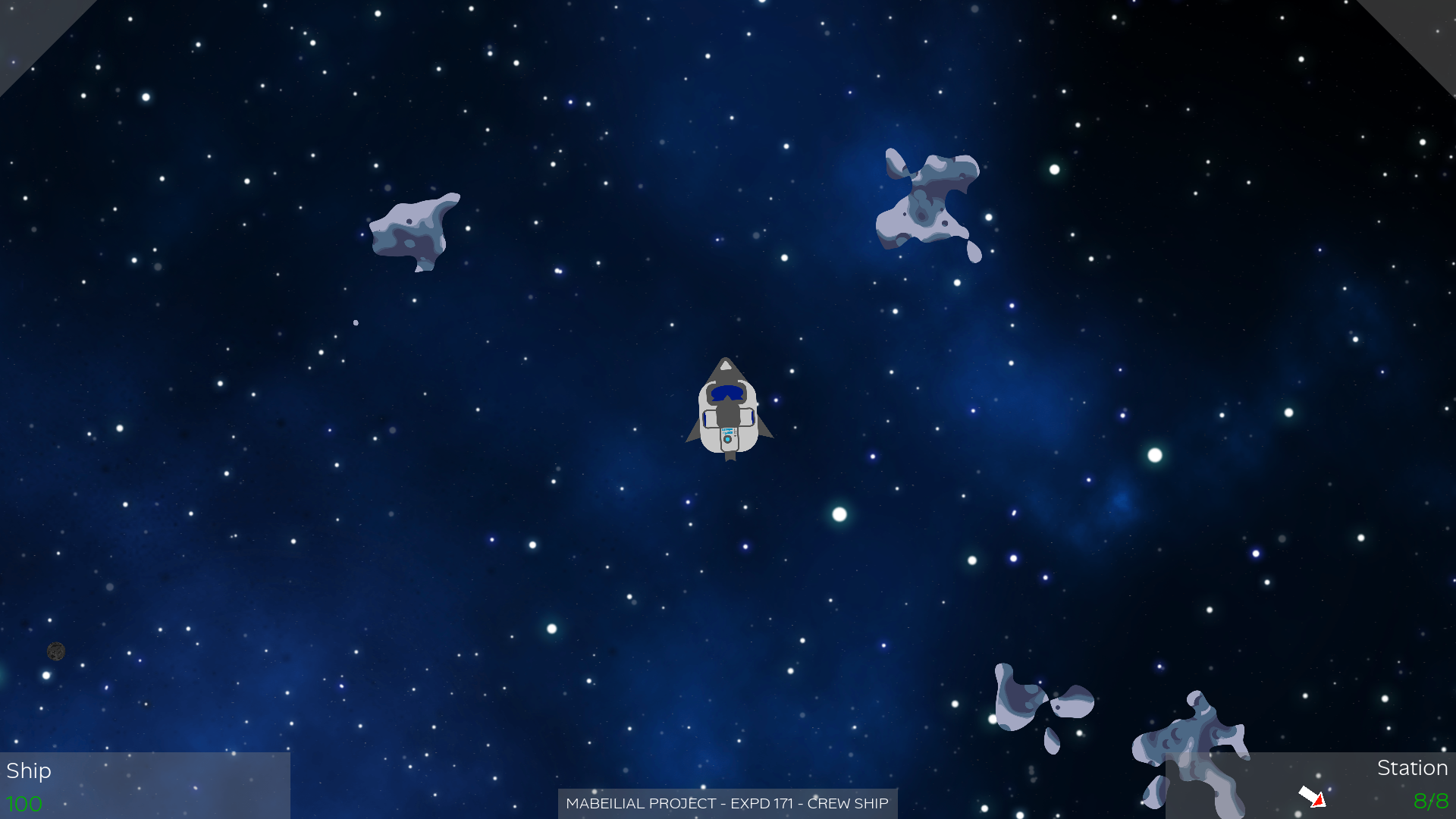
The game features a cartoonish, simplistic art style with an immersive soundscape. Despite its student-project origins, it delivers solid top-down shooting action with enemy ships that vary in behavior and attack patterns, and it is completely free to download and play.
| Genre | Top-down shooter / Sci-Fi action |
| Developer | HyperKk (Creative Seeds) |
| Engine | Godot 2D |
| Platform | Windows (downloadable .exe), Linux build |
| Price | Free |
| Players | Single-player |
| Release | June 2026 |
| Play | itch.io |
How to Play The Mabeilial Key
Objective. Destroy all alien ships in each wave and safely deliver the Mabeilial mineral to Earth. Each wave introduces tougher enemies with different attack patterns and shapes, so survival requires learning each new threat.
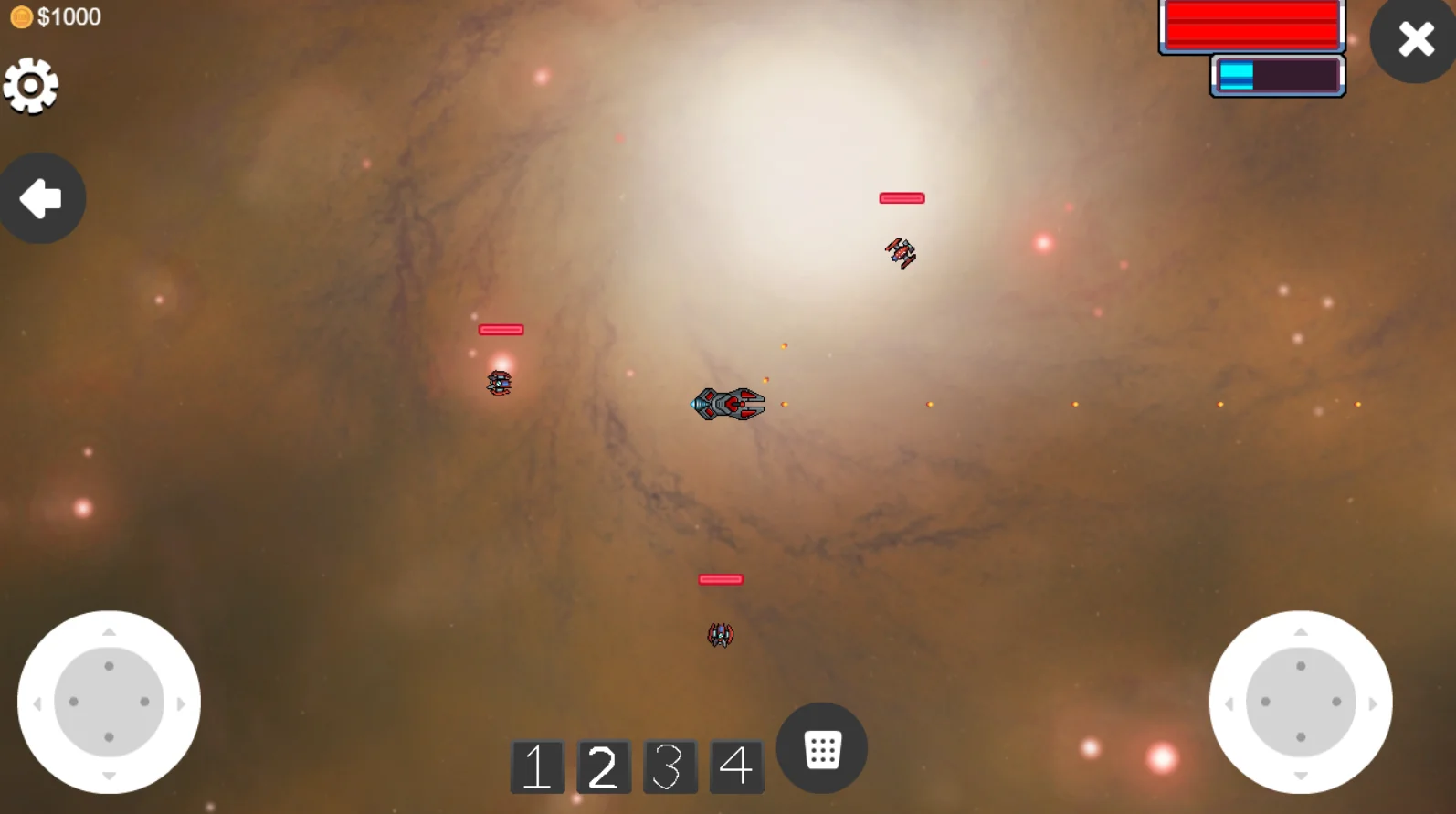
Movement and combat. Navigate your ship through enemy fire using directional controls. Aim and shoot at incoming alien vessels while positioning yourself to dodge. The core skill is threading between staying on the offensive and staying out of the line of fire.
Enemy variety. Different alien ships have distinct behaviors — some charge directly at you, others circle and fire from a distance, and larger ships serve as wave bosses with more health and heavier firepower. Countering each type effectively is the key to progressing.
Resource management. Your ship has limited durability, so you cannot afford to eat shots carelessly. Avoid unnecessary hits, and position yourself to minimize exposure while maximizing your damage output.
Progression. Waves increase in difficulty. Later waves introduce mixed enemy types that demand quick target prioritization, and the final stretch throws the densest alien formations at you as you push toward Earth.
Controls
| Action | Input |
|---|---|
| Move | Arrow keys or WASD |
| Aim and Shoot | Mouse |
| Special ability | Space (if equipped) |
The controls are classic twin-stick inspired: directional movement with keyboard, mouse aim and fire. The scheme is simple enough to pick up immediately but responsive enough to handle the frantic later waves.
Core Mechanics
Wave-based progression. The game is structured as a series of combat waves. Each wave is a self-contained engagement against a set of alien ships, and clearing it moves you to the next, tougher wave. There is no free roam — the structure keeps the action tight and forward-moving toward Earth.
Behaviors and shapes. Enemy ships are distinguished by both their shape and their behavior. The developer explicitly notes that enemies "have different behaviors and shapes," which means you cannot rely on a single strategy. Some ships are aggressive rushers, some are ranged orbiters, and wave bosses sit in a class of their own with high health and heavy fire.
Limited ship durability. Your ship's health is a real constraint. There is no regenerating shield to fall back on, and the later waves throw enough fire that you must actively avoid hits rather than tanking them. This makes careful positioning and target selection essential on later waves.
Dev note on crashes. The developer warns that the game may crash just after the loading screen on systems with low VRAM (minimum estimated 4GB, with 8GB to 12GB and more ideal). This is related to a long-standing complex physics issue. If it happens, restarting and trying again usually gets it working after a few attempts.
Tips and Tricks
Keep moving. Standing still is a death sentence. Strafe continuously while firing to avoid incoming projectiles. The best defense in this game is staying mobile.
Prioritize threats. When multiple enemy types appear, take out the most dangerous ones first — usually the ships that fire the fastest or have tracking projectiles. Clearing the biggest threat early gives you room to handle the rest.
Learn enemy patterns. Each alien ship type has a predictable attack rhythm. Watch their movement and firing cadence, then exploit the gaps between their shots.
Use the edges. The play area edges give you room to maneuver. Do not trap yourself in corners — always keep an escape route open so you do not get pinned against the boundary.
Manage your nerves. Later waves can feel overwhelming with projectiles filling the screen. Stay calm, focus on small movements, and pick your shots carefully rather than spraying and hoping.
System requirements note. If the game crashes after the loading screen, check your VRAM. The minimum is roughly 4GB with 8-12GB ideal. Restarting usually resolves the issue after a few attempts.
Advanced Tips
- Learn which enemy to kill first by shape. Since every enemy type has a distinct shape, learn to read the silhouette on sight. Instantly targeting the fast rushers and heavy gunners before the slower ships lets you de-escalate a wave before it spirals into overwhelm.
- Split threats do not split your fire. When a rush of enemies fans out, resist the urge to fire wildly across the group. Focus one ship at a time to thin the wave, since a group of damaged enemies is still as dangerous as a group of healthy ones.
- Kite the boss. For large wave-boss ships with heavy firepower, do not sit in front of them. Keep them at the edge of your range and circle, firing as you strafe, so you spend more time out of their firing arc than inside it.
- Position near a corner only to escape. Corners look safe but are easy to get trapped in. Use the edges to move, but keep yourself a few ship lengths away from the walls so you can always slip past an incoming pattern.
- Perfect the small strafe. Against dense fire, big dodges are often worse than small, precise strafes. Master the short horizontal tap that slips between two projectiles — it uses far less space and keeps your firing line intact.
- Time the special ability for wave bosses. The Space-bar special ability (when equipped) is a finisher, not a crowd-control toy. Save it for the moment a wave boss exposes a weak window or when a rusher is about to collide with your hull.
Final Tips
The Mabeilial Key is a compact but complete top-down shooter built around wave mastery. Learn each enemy type by shape, prioritise the fast and heavy threats first, and keep your ship moving in controlled strafes rather than panicked dodges. Because your durability is limited, clean positioning will carry you further than raw firepower.
The game is a short experience — roughly 15 to 30 minutes across all waves — and free, so it is easy to replay and refine your approach. If you hit the known VRAM-related crash after the loading screen, a few restarts usually get you into the action. Deliver the Mabeilial mineral to Earth, commander.
FAQ
Is The Mabeilial Key free? Yes, it is completely free. Download and play with no restrictions or purchases.
How long is the game? As a student project, it is a relatively short experience — roughly 15 to 30 minutes to complete all waves.
What platforms does it run on? Windows (a downloadable .exe). The developer also provides a Linux build for those who need it.
Is there multiplayer? No, it is a single-player experience through and through.
Can I play in the browser? No browser version is available — you need to download and run the executable.
Who made this game? HyperKk, a first-year Game Design & Development student at Creative Seeds in Brittany, France, as a 10-week end-of-year project built in Godot 2D. The itch.io page is hosted under the handle HyperK0.
Are there any known issues? Some players may experience crashes after the loading screen on systems with limited VRAM (minimum estimated 4GB, 8-12GB ideal). Restarting the game usually resolves this after a few attempts.
What are the enemies like? Alien ships come in different shapes and behaviors — some charge directly, some circle and fire from range, and larger ships act as wave bosses with more health and firepower.
Are the assets original? Most graphic assets were created by HyperKk. The musical, sound, and some graphic assets come from Pixabay, Freesounds, and itch.io, with credit details available in the in-game Credits menu.
Does it have a special ability mechanic? Yes — a special ability is mapped to the Space bar if you have one equipped, offering an additional combat option beyond your primary mouse aim and fire.
What engine was it built in? Godot, in 2D mode, over a 10-week development period as part of the Creative Seeds first-year curriculum.
Last reviewed by Game How To Editorial. We play each game, verify controls against official sources, and update guides when game mechanics change.
Screenshots