Official game
Play ACRODRIFT: FPV Drone Simulator
This game is hosted by Steam. Continue to the official page to play or download it.
Wishlist on SteamOverview
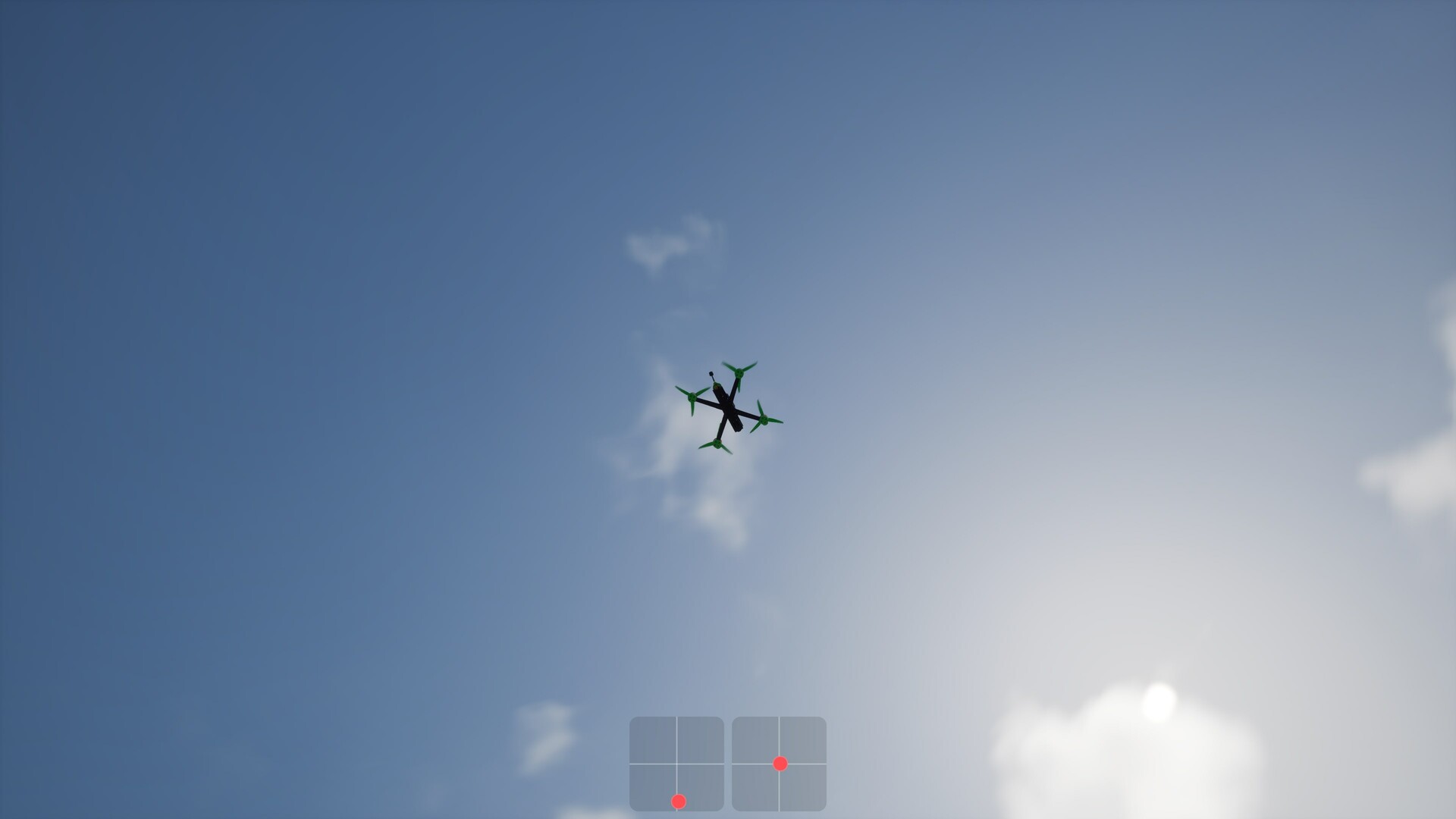
ACRODRIFT: FPV Drone Simulator is a first-person view drone flight sim from Polish solo developer Dueking Studio, published by Ultimate Games S.A. It launched into Early Access on August 7, 2026, priced at S$15.99 (roughly $12 USD). The pitch is simple: real FPV physics without the thousand-dollar repair bills. You fly virtual quads through six handcrafted maps, race checkpoint gates, hunt collectibles, and build drones from individual components the way you would on your workbench at home.
The solo-dev background explains the priorities. Devlogs talk about collision shapes, propeller behavior, and flight feel, not battle passes. The game runs on Unreal Engine 5.7 with DLSS 4.5, and the update cadence has been aggressive: version 0.1.7 shipped within the first month, adding PID Auto Tune, arm/disarm controls, controller diagnostics, and a "V2 Flight Physics" pass that is still being refined.
What separates ACRODRIFT from Liftoff, Velocidrone, or Uncrashed is its dual audience. Beginner-stabilized flight modes (Angle, PosHold) sit right next to full manual Acro and inverted 3D flight. A new pilot can learn the sticks in the same session where a veteran tunes PIDF values and dials in custom rates profiles for racing, freestyle, or cinematic lines.
Game Details
| Field | Detail |
|---|---|
| Genre | FPV drone racing / simulation |
| Developer | Dueking Studio (solo developer) |
| Publisher | Ultimate Games S.A. / Ultimate Publishing / PlayWay S.A. |
| Platform | Windows PC (PS5 and Xbox Series X|S planned) |
| Price | S$15.99 (Early Access) |
| Players | Single-player |
| Release | August 7, 2026 (Early Access, current build 0.1.7) |
| Maps | 6 handcrafted environments |
| Drones | 11 frames (1.6 to 5 inch), 13 motors, props and batteries |
| Game modes | Free Flight, Race, Collection |
| Challenges | 20+, across five difficulty tiers |
| Flight modes | Angle, PosHold, Acro, 3D, plus an additional fifth mode |
| Engine | Unreal Engine 5.7, DLSS 4.5 |
| Controls | Gamepad, real FPV radio transmitters (USB), keyboard/mouse |
Target Audience
Two groups get real value here. First, people who watch FPV freestyle or drone racing videos and want to try it without buying a transmitter, goggles, and a stack of spare arms. The sim costs less than one propeller pack and crashing is free. Second, real pilots who want to keep their thumbs sharp, learn a new trick, or experiment with rates and PIDs before touching real hardware. Pilots coming from Liftoff, Tryp, Uncrashed, or Velocidrone have called the out-of-box flight feel among the best in the genre, with float and hang time that reminds some of DRL.
If you have zero interest in drones or precision flying, this will not convert you. There are no weapons, no power-ups, no arcade assists beyond the beginner flight modes. It is a sim about precision. The Early Access state also matters: the roadmap still lists a more advanced switch configuration system and further physics work, so expect content and behavior to shift between updates.
Getting Started — First 30 Minutes
1. Set up your controller before launching a flight. Update 0.1.4 added a controller diagnostics panel that shows every axis your controller reports, with real-time values plus detected minimums and maximums. Open it once. If an axis jumps between values instead of moving smoothly, or shows exactly 8 axes where your radio should, you will see it here before blaming the physics. Every axis is remappable and the game auto-detects stick axes on most transmitters.
2. Pick Angle mode and a wide-open map. Angle caps the drone's tilt so it physically cannot flip, and it auto-levels when you release the sticks. PosHold adds position holding that fights drift when you let go. Either works for a first session; Angle teaches stick discipline faster because it never corrects position for you.
3. Learn the stick map. Left stick: throttle (climb/descend) and yaw (rotate). Right stick: pitch (forward/back tilt) and roll (side tilt). The classic beginner error is flying with big inputs and then over-correcting the resulting wobble. Small, smooth movements beat jerky ones in every situation.
4. Arm, and know how to disarm. Drones ignore throttle until armed. Updates 0.1.6 and 0.1.7 added proper arm/disarm handling: you can disarm after crashing into something and getting stuck, and you can disable automatic arming based on throttle input in the options. Binding disarm to a switch (added in 0.1.5) is worth doing early, because yanking a stuck drone free by throttle alone often wedges it deeper.
5. Fly a prebuilt quad first. The workshop lets you build from scratch, but starting there is like tuning a guitar before learning chords. Fly a stock build for a session. You need a baseline for what "normal" feels like before any component swap means anything.
6. Turn on the FPV camera effects once you are past your first hour. Update 0.1.3 added a 4:3 FPV view mode, fisheye effect, and analog noise under Options → Gameplay → View. Purists enable all three, because real analog FPV feeds look exactly like that. New pilots may find the fisheye disorienting at first, so graduate to it rather than starting there.
7. Attempt your first gate lap. Once you can hover for a minute without touching the ground, switch to Race mode. The checkpoint circuits force you to fly a consistent line, which teaches controlled turns faster than free flying. Expect to clip gates. Everyone does.
Beginner Mistakes to Avoid
| Mistake | Why It Hurts | Fix |
|---|---|---|
| Starting in Acro | No self-leveling, no tilt limits; the drone does exactly what your mistakes tell it | Earn Acro: hold a stable hover in Angle first |
| City maps on day one | Tight building gaps punish untrained sticks | Forests and open fields first, city lines last |
| Pegged throttle through turns | Full power into a gate sends you into the ground or the fence | Chop throttle before the gate, power out of it |
| Fighting wobble with bigger inputs | Each correction spawns the next wobble | Let off, let the frame settle, re-input smaller |
| Building customs before flying stock | You have no baseline for comparison | One stock session minimum, then single-part swaps |
| Ignoring Auto Tune after updates | V2 physics changes shifted optimal PIDF values | Run Auto Tune (on by default) after each patch |
| Reversed thrust surprises in 3D mode | Props spin backwards and the drone drops, inverted | Learn what 3D mode does before enabling it |
Core Mechanics Deep Dive
The Five Flight Modes
- PosHold: Angle-mode stabilization plus position holding. Release the sticks and the drone brakes and holds its spot, fighting wind and drift. The training-wheels mode, and the right one for absolute first flights.
- Angle: Tilt is capped and the drone auto-levels when you release input. It cannot flip, which makes it forgiving, but you still feel the drone's momentum. This is where stick discipline actually gets built.
- Acro: Full manual. No self-leveling, no limits. The drone holds whatever attitude you leave it in, which is why real FPV freestyle and racing happen here. Roll inputs rotate the craft and it stays rotated until you counter-rotate.
- 3D mode: Enables negative thrust, so props can spin in reverse and push the drone downward while inverted. This unlocks inverted flight and advanced freestyle. Update 0.1.6-era patches specifically fixed propeller speed behavior with reversed thrust, an early rough edge.
- Fifth mode: The store listing confirms five flight modes total at launch, up from four during the demo. Check the in-game flight mode menu after updates, as the developer has been expanding this area alongside the switch-assignment work.
The Drone Workshop
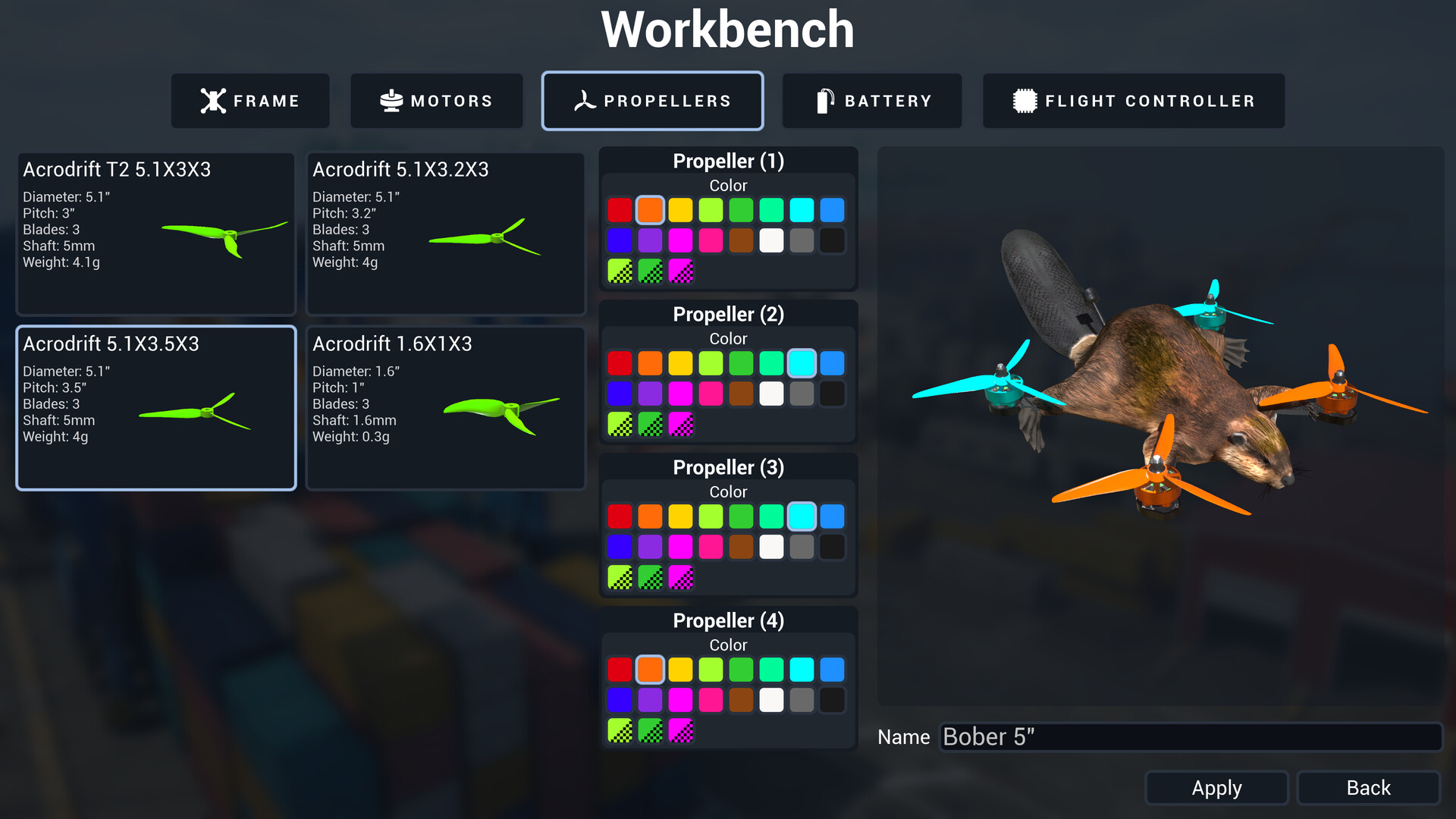
Eleven frames from 1.6 to 5 inches, thirteen motors, plus props and batteries. Every component genuinely changes flight behavior, which pilots coming from other sims have verified: motors, props, and frames each affect the quad in the ways you would expect from real hardware.
Frame size is the biggest lever. Tiny whoop-class frames (1.6 to 2.5 inch) are agile, slow in a straight line, and forgiving of gate clips. Five-inch frames are the freestyle and racing standard: faster, heavier, more stable at speed, and far less tolerant of sloppy inputs. Battery weight sits on top of that; a bigger battery adds punch and flight time but dulls responsiveness.
The workshop also stores configurations per build, so you can keep a racing config, a freestyle config, and a cinematic config on different quads instead of re-tuning one drone for every session.
Rates Profiles
Rates control how much rotation you get per unit of stick movement, and how aggressively rotation ramps near the extremes. ACRODRIFT lets you save separate rates profiles for racing, freestyle, and cinematic flying. Practical splits that work well:
- Racing: high rates, so full stick deflection produces fast flips and rolls for quick direction changes between gates.
- Freestyle: medium-high rates with a softer center, giving precision for lines but enough headroom for big tricks.
- Cinematic: low rates and a soft center. Everything moves slower and smoother, which reads beautifully on screen and masks small input errors.
PIDF Tuning and Auto Tune
PIDF is the flight controller's correction math: P reacts to current error, I corrects accumulated drift, D dampens overshoot, F feeds forward the expected response. The sim exposes these values directly, which is still rare in consumer drone games.
Update 0.1.6 introduced PID Auto Tune specifically because V2 Flight Physics changes kept shifting the optimal values for existing drone configurations. Auto Tune is enabled by default, does not overwrite your custom PIDF numbers when toggled, and can be switched off any time for manual tuning. The developer's own manual-tuning tip: try increasing the I value.
The classic manual workflow still applies when Auto Tune is off:
Hover wobble/shiver      -> P too high or D too low: drop P 10-15% first
Feels like swimming,     -> P too low: raise P 10-15%
never settles
Overshoots rotations     -> raise D slightly
Drifts during long       -> raise I slightly
maneuvers
Sluggish response to     -> check rates profile before touching PIDF
stick inputs
Change one value at a time. Fly three laps. Note the difference. Change two values at once and you have learned nothing usable.
Game Modes
- Free Flight: no objectives, no timer. The sandbox where you learn lines, practice tricks, and unwind. The most popular use among Early Access players is casual zip-around exploration on the big open maps.
- Race: checkpoint gates against the clock, with the lap counter fixed in 0.1.1. The competitive loop.
- Collection: find and collect hidden objects across each map. Confirmed at launch, it functions as a guided tour of each environment's nooks, which doubles as obstacle-familiarization for racing.
- Challenges: 20+ structured challenges at varying difficulty. The developer has explained the difficulty distribution philosophy directly: most challenge content lands in Medium because the biggest group of pilots should have fun while improving, Very Easy challenges exist for new pilots, and the top tier is Very Hard.
Maps and Environments
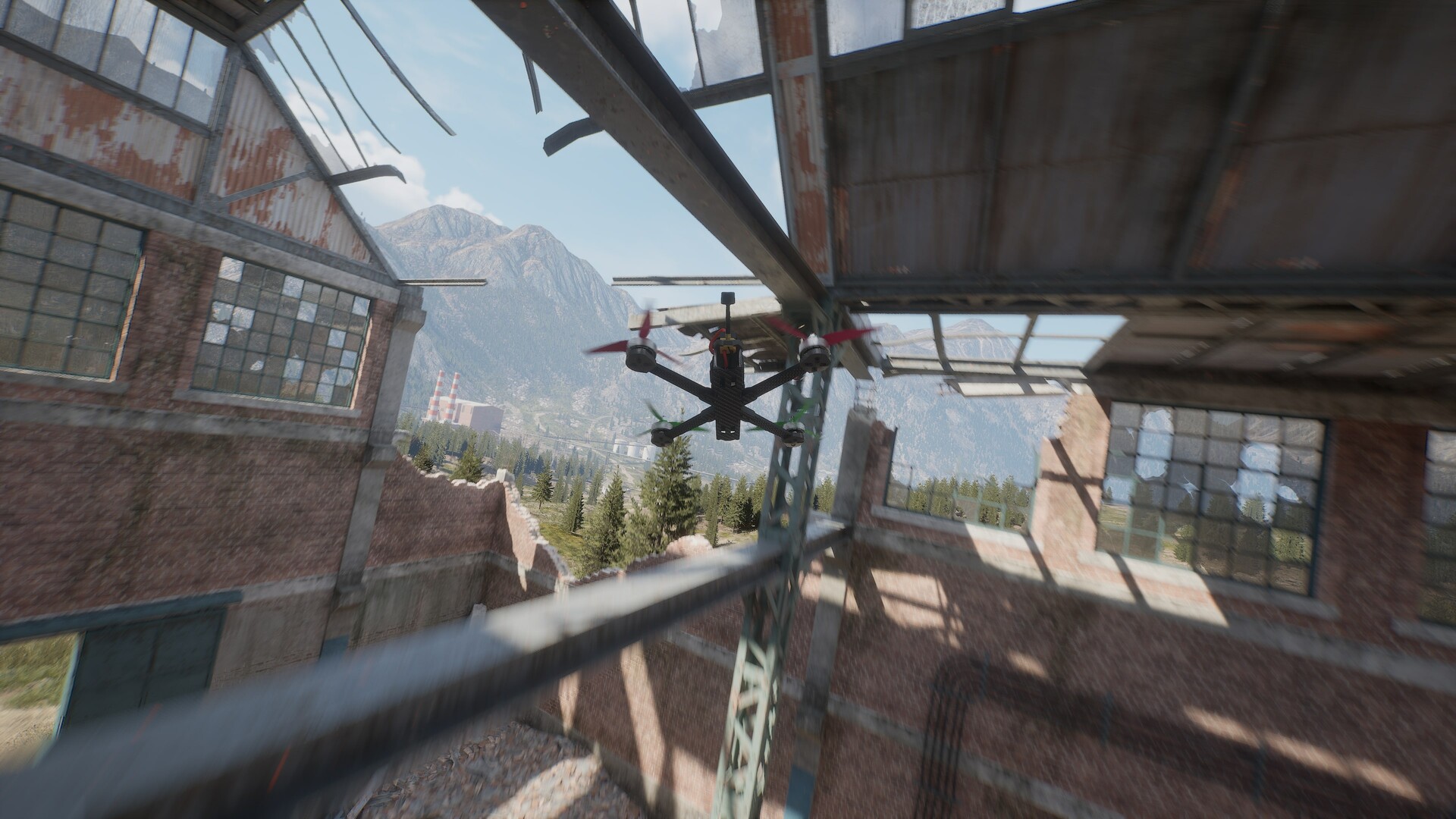
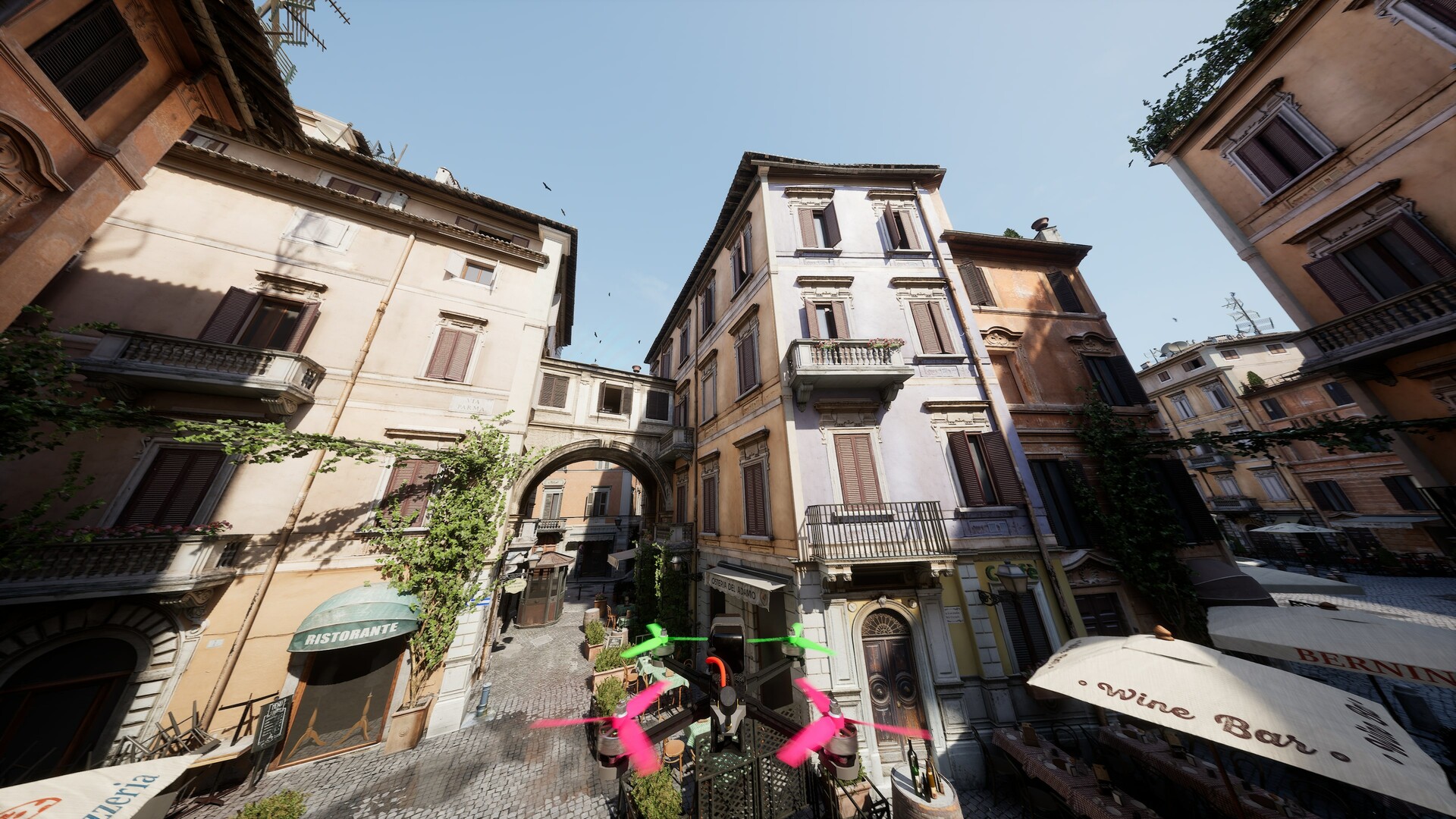
Six handcrafted maps ship at launch, from wide-open cruising spaces to tight technical courses. The community standout is the Italian cityscape map, repeatedly described as the most beautiful and fun map in any current FPV sim, the kind of place you will almost certainly never fly a real drone legally. The Container Port map received improved crane and vehicle collision detail in 0.1.3. Exclusion Zone, an open map with endless trees and giant radar antennas, had a rocky launch window: a Nanite rendering issue tanked performance there, and update 0.1.5 added LODs to the trees as a partial fix, so the map stays flyable with rougher foliage when the Nanite path misbehaves.
Progression Strategy
ACRODRIFT has no XP bar. Progression is skill and unlocks of understanding, and it moves fastest with structure. This is the efficient path:
Week 1 — Angle mode, open maps, stock quad. Goal: two minutes of stable hover, then controlled figure-eights around a few trees. Do the Very Easy challenges as they come up; they are designed exactly for this stage.
Week 2 — Angle on technical maps. Take the same stock quad into Container Port and the city map. Fly the Collection mode here. It forces you through tight gaps and around cranes while giving you a score to beat, which is motivation free practice.
Week 3 — The Acro transition. Switch to Acro on an open map and expect to crash constantly; that is the tuition. The drill that works: tiny flips, one at a time, throttle up before the flip so you have altitude, roll, then catch level. When flips are boring, add yaw spins. Acro is where the sim's much-praised physics feel clicks.
Week 4 — Racing lines and rates. Set a racing rates profile, pick the Italian city map, and start climbing the challenge difficulty tiers into Hard and Very Hard. Learn the throttle-chop turn (below) on two or three gates per lap rather than the whole circuit at once.
Ongoing — build and tune. Only after a month of flying stock and one Acro transition should you start component swaps and manual PIDF work. By then you will feel what a motor change does instead of guessing.
Builds and Setup Presets
There are no tier lists in a sim, but there are better and worse starting points:
The First Quad (week 1-2). Stock prebuilt, 3-inch class frame, default battery, Angle mode, default rates. Do not touch anything. The goal is stick time, not optimization.
The Freestyle Quad (week 3+). 5-inch frame, mid-tier motors, freestyle rates profile, Acro mode, Auto Tune on. This is the do-everything configuration for learning tricks; the 5-inch platform has the stability to forgive mid-trick corrections.
The Racer (week 4+). 5-inch frame, highest-thrust motors you have unlocked comfort with, racing rates, Acro, manual PIDF after Auto Tune establishes the baseline. If it oscillates in straight lines, drop P before anything else.
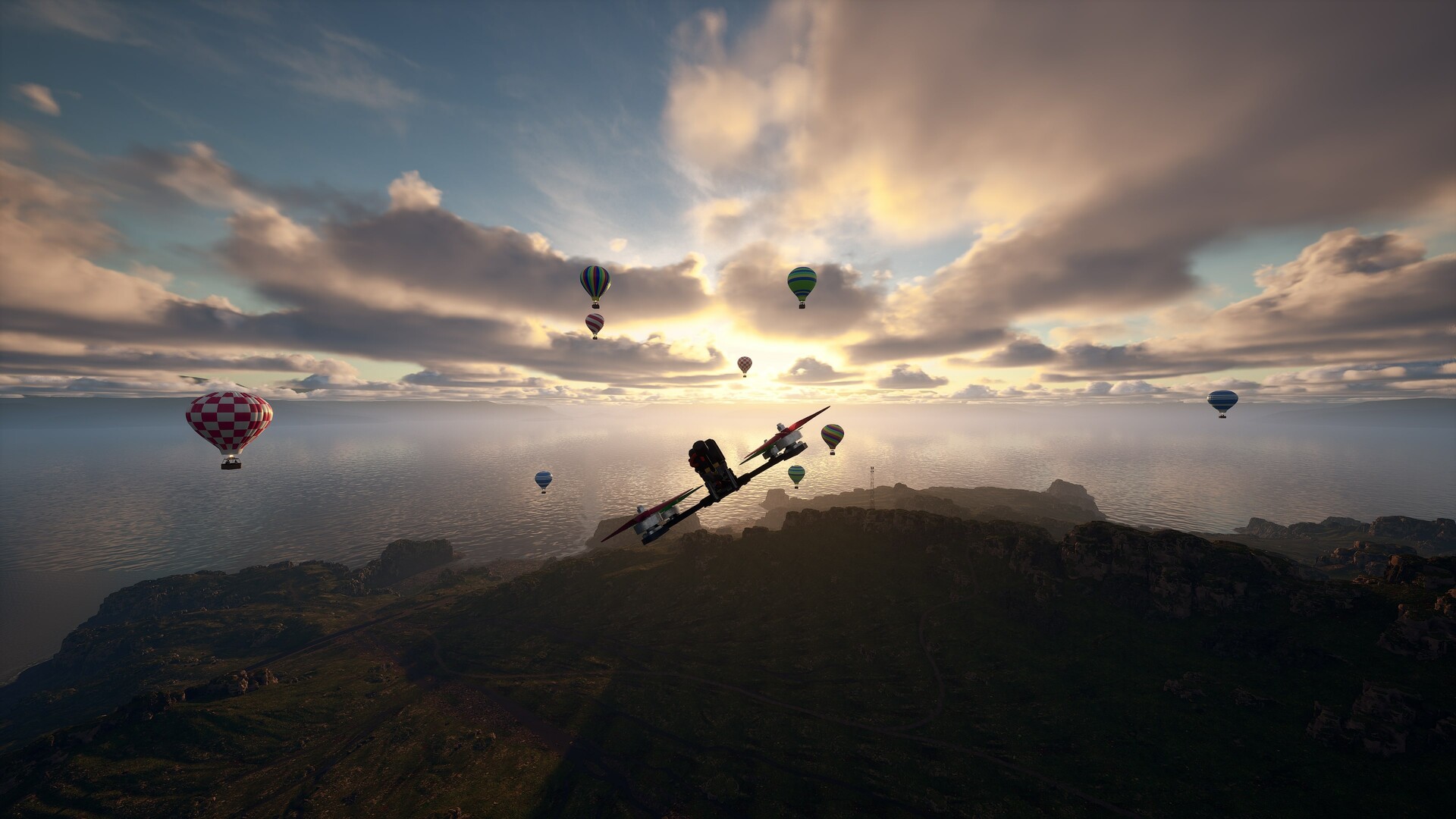
The Cinematic Cruiser. Any frame you enjoy, cinematic rates, Angle or Acro depending on confidence, fisheye camera effect on. Built for slow passes over the Italian rooftops and harbor cranes at golden-hour lighting.
Step-by-Step Strategy
1. The calibrated first session. Diagnostics panel check → Angle mode → open map → prebuilt quad. Hover two minutes. Land within one meter of your takeoff point, five times in a row. This single exercise teaches more throttle control than an hour of aimless flying.
2. The Collection-mode map study. Run Collection on a technical map before racing it. You learn where the tight gaps, crane arms, and blind corners are while collecting at your own pace. When you later race the same map, your hands already know the geometry.
3. The Acro conversion drill. Open map, altitude cushion of at least 20 meters. Sequence: throttle bump → single roll → level catch → hover → repeat. Ten successful rolls per session. Add front flips the same way. Do not chain tricks until single tricks are automatic, because chained tricks are where crashes and lost confidence come from.
4. The throttle-chop turn. In Race mode, pick one tight gate per lap. Approach at speed, chop throttle to about 40% one second before the gate, yaw plus pitch through the apex, power up as the nose clears. The drone bleeds speed into the turn and launches out of it. Add one gate per session until the whole lap flows. Most lap-time gains in this game come from turns, not straight-line speed.
5. The single-swap tuning method. One component per flight session. Swap the motor, fly three laps, write down what changed, swap back or keep. When you change prop, motor, and battery in one sitting, the resulting feel is noise. The same discipline applies to PIDF: one value, three laps, note, decide.
6. The rates reset. If flying ever feels uncontrollable after a week of progress, drop your rates 15% across the board. Almost always the problem is stick inputs calibrated for old rates being too hot for new confidence. Fly one session at reduced rates, then step back up.
7. The post-patch routine. After every update: run Auto Tune on your main quads, check the controller diagnostics panel once, fly one easy lap before touching anything. Update 0.1.7 specifically fixed settings not loading correctly at startup, and this three-step check catches physics or config drift in two minutes.
Advanced Tips
- The I-value fix for slow drift. If your quad slowly wanders during long maneuvers and Auto Tune has not solved it, raise I in small steps. This is the developer's own tip for manual tuners, and it targets accumulated-error correction rather than responsiveness.
- Fisheye as a training tool. Playing with the fisheye effect on makes the center of your vision wider, so gate approaches read earlier. Practicing with it on, then flying a session with it off, makes the flat view feel slow and your reactions feel early.
- Hang time is your canvas. Reviewers consistently note this sim's float and hang time as its signature feel. Freestyle lines built around hangs, where you stall the drone at the top of a climb and let it fall before catching, are where this sim feels best. Lean into the float instead of fighting it with constant throttle.
- Watch your arm behavior. If you enable manual arming (disabling auto-arm on throttle), build the habit of disarming after every crash, not just stuck ones. It prevents the classic mistake of the drone twitching on the ground while you reposition it.
- Switch-based Respawn. 0.1.5 added switch (axis) and joystick-button assignment for actions including Respawn. Put Respawn on a transmitter switch if your radio supports it; recovering from a bad position takes one flick instead of a menu dive.
- The Italian city map is a skills gym. The tightest lines in the game live there. Fly it in Angle mode first to learn the geometry, then in Acro. Rooftop-to-rooftop gaps teach the exact precision that gate racing demands.
- Performance triage on Exclusion Zone. If that map stutters, you are hitting the known Nanite issue. The LOD fallback keeps it playable, but for uninterrupted practice sessions, the other five maps run clean.
FAQ
How much does ACRODRIFT cost? S$15.99 in Early Access on Steam, roughly $12 USD / €11.
Is there a demo? A public demo ran through summer 2026 with its own update stream (0.0.11 through 0.0.13, including the UE 5.5→5.7 and DLSS 4→4.5 jumps). Check the store page for whether it is still up.
Can I use my real radio transmitter? Yes, and it is a headline feature. Any transmitter with USB connectivity works with automatic stick detection, and every axis is remappable. Update 0.1.2 refreshed the input library specifically to broaden RC transmitter compatibility.
My controller axes are acting weird. What do I do? Open the diagnostics panel added in update 0.1.4. It shows every reported axis with live values and min/max detection. If an axis jumps or is dead, note the axis number and total axis count, then report it; the developer is actively fixing controller edge cases.
Is Auto Tune cheating? No. It computes a sane PIDF baseline for the current physics build, and toggling it never overwrites your custom values. Manual tuners turn it off, tune, and can flip it back on for comparison at any time.
Is there multiplayer? No. Single-player only: race your own ghost times, fly freestyle, complete challenges.
Does it run on Steam Deck? Not officially. The launch platform list is Windows only, with console versions (PS5, Xbox Series X|S) planned later.
What are the system requirements? Windows 10 64-bit, Core i5-8400 or Ryzen 5 1500X, 8 GB RAM, GeForce RTX 2060 or RX 5600 XT (4 GB VRAM), DirectX 12, 20 GB storage. Requirements may shift during Early Access.
What changed in the recent updates? 0.1.7 fixed throttle gamepad-mode settings loading and yaw PID Auto Tune. 0.1.6 added PID Auto Tune and arm/disarm. 0.1.5 added switch/button assignment and the Exclusion Zone Nanite workaround. 0.1.4 added controller diagnostics. 0.1.3 added the 4:3 FPV view, fisheye, and analog noise.
Why does my drone feel different after an update? The V2 Flight Physics work intentionally changes flight behavior, which shifts optimal PIDF values. Run Auto Tune, and if you tuned manually, revisit your numbers. This is the documented reason, not your imagination.
Where are the hardest challenges? The Very Hard tier. Note the developer's stated philosophy: most content sits in Medium by design, so do not judge the game's depth by the first Very Easy challenges. Very Hard is where precision flying gets tested.
Common Mistakes Recap
- Judging the physics in your first ten minutes. The out-of-box feel is the genre's best according to pilots who stack it against Liftoff and Velocidrone, but only if your controller is configured. Diagnostics first, fly second.
- Tuning three things at once. One component or one PIDF value per test session, always.
- Skipping Collection mode. It looks like filler and functions as a map-mastery course.
- Staying in Angle mode forever. The sim's praised physics are an Acro-mode experience. The transition drill in this guide takes about a week of short sessions.
- Ignoring patch notes. This is an active Early Access sim with physics-changing updates. Two minutes reading them saves an hour of confusion.
Final Verdict
ACRODRIFT is the FPV sim to beat for out-of-box flight feel at its price. The strengths are real physics that experienced pilots vouch for, deep component and PIDF customization, genuine beginner on-ramps, and a solo developer shipping fixes at a pace that puts some studios to shame. The weaknesses are Early Access reality: a performance issue on one map, barebones areas the reviews flag, and content that will grow over months. For its target audience, it earns a 4/5, with the fifth point waiting on the roadmap content landing.
The one-session takeaway: configure your controller with the diagnostics panel, fly a stock quad in Angle mode over an open map until a two-minute hover is boring, then take the Acro conversion drill seriously. Everything else in this sim builds on those two skills.
Last reviewed by Game How To Editorial. We play each game, verify details against official sources, and update guides when game mechanics change.
Screenshots