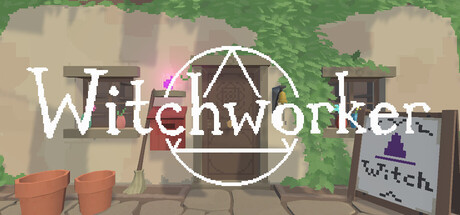
Official game
Play Witchworker
This game is hosted by steam. Continue to the official page to play or download it.
Buy on SteamOverview
Witchworker is a cozy magic simulation game developed and published by RAJACORP, released on Steam Early Access on June 23, 2026 for $5.99 USD. You play as a cleaner who has been hired to tidy a witch's atelier — but your employer is conspicuously absent. Left alone in a cluttered magical workshop, you must study textbooks, learn spells, and uncover the atelier's secrets at your own pace.
There is no combat, no timer, and no fail state. Witchworker is a meditative, single-player experience where progression comes from curiosity and careful experimentation rather than reflexes or optimization. The core loop is simple: Tidy → Study → Cast → Explore.
All 7 user reviews on Steam are positive (100% positive, rated "7 user reviews" as of July 2026). Players praise the unique spellcasting system, cozy atmosphere, and puzzle-like discovery mechanics. Because the game is in Early Access, content is still limited — approximately 3 spells at launch — but the developer has committed to weekly updates adding spells, textbooks, and mechanics.
| Detail | Info |
|---|---|
| Genre | Casual / Simulation / Indie / Magic |
| Developer | RAJACORP |
| Publisher | RAJACORP |
| Platforms | Windows 10+, macOS 10.14+, Linux (Ubuntu 12.04+) |
| Price | $5.99 USD / S$7.29 SGD |
| Players | Single-player (Steam Family Sharing supported) |
| Input | Mouse + keyboard |
| Release Date | June 23, 2026 (Early Access) |
| Languages | English only |
| DRM | None |
| File Size | ~200 MB |
| Memory | 4 GB RAM |
| GPU | 1 GB VRAM |
| Developer Contact | [email protected] |
| Steam App ID | 4678720 |
2. Target Audience
Witchworker is designed for players who:
- Enjoy cozy, low-pressure games — no combat, no time limits, no fail states.
- Like discovery-driven progression — you piece together spells by studying books rather than following quest markers.
- Appreciate tidy-up / organization gameplay — cleaning and arranging the atelier is a core mechanic, similar to Unpacking or A Little to the Left.
- Love magical themes — spellcasting through rune-based casting, magical textbooks, ingredient gathering.
- Are comfortable with Early Access — content is limited (roughly 1–3 hours of gameplay at launch), but weekly updates add new spells and features.
- Prefer single-player — no multiplayer or online features.
Not recommended for players who want a finished, content-rich game, competitive mechanics, controller support (not yet confirmed), or extensive tutorial hand-holding. The game expects you to experiment and figure things out.
Getting Started
Follow these steps to begin your magical apprenticeship smoothly:
Step 1: Launch and Observe
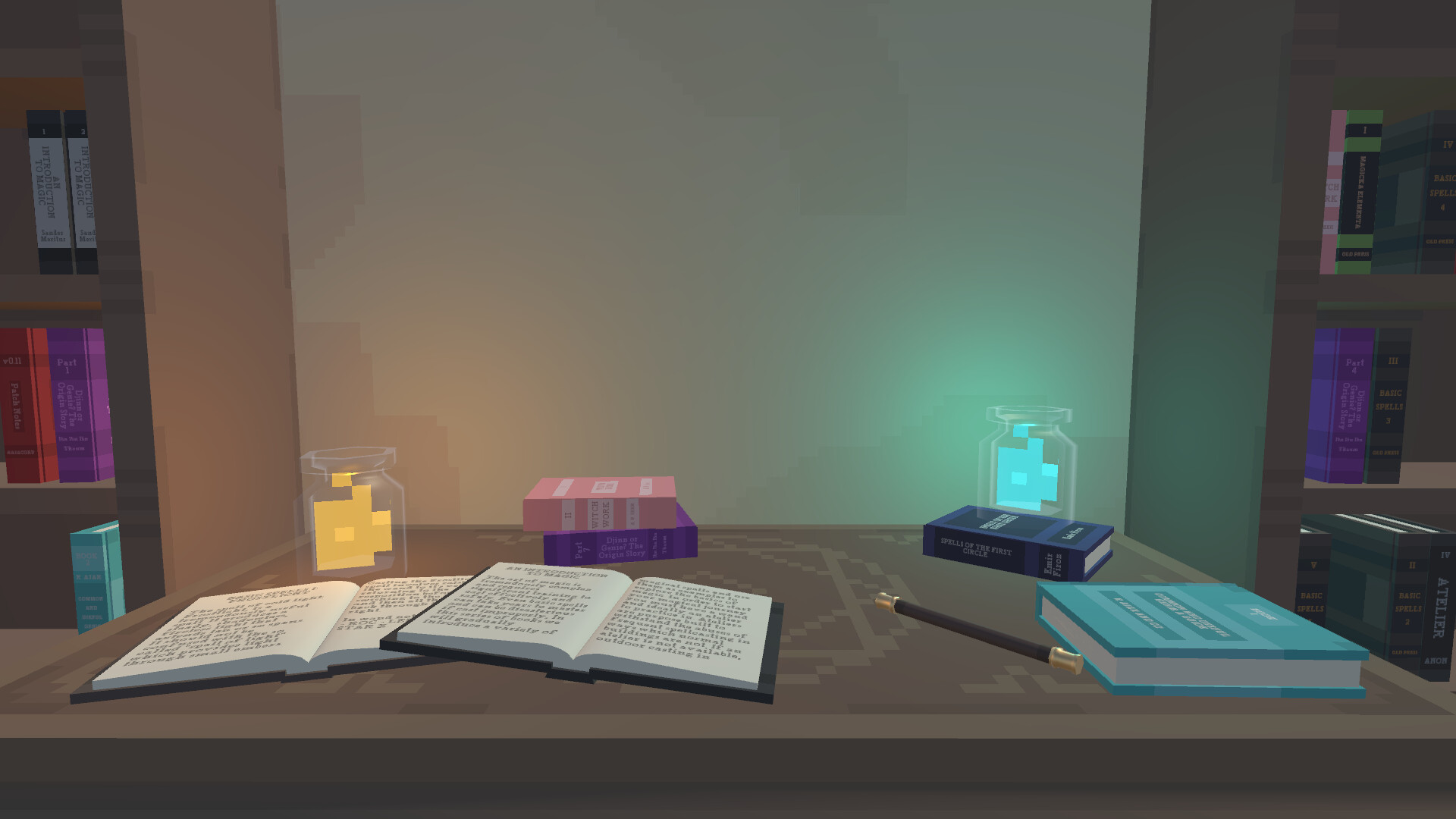
When you first enter the atelier, take a moment to look around. The room is cluttered with books, ingredients, and equipment. There are no tutorial pop-ups — Witchworker teaches through environment and experimentation. You are a cleaner in an absent witch's workshop.
Step 2: Tidy the Atelier
Click on clutter (scattered papers, misplaced ingredients, stacked books) and drag them to appropriate storage areas. A cleaner atelier directly improves spell effectiveness. Spend your first few minutes organizing — this is both your introduction to the game's core loop and your first practical task.
Step 3: Find Your First Textbook
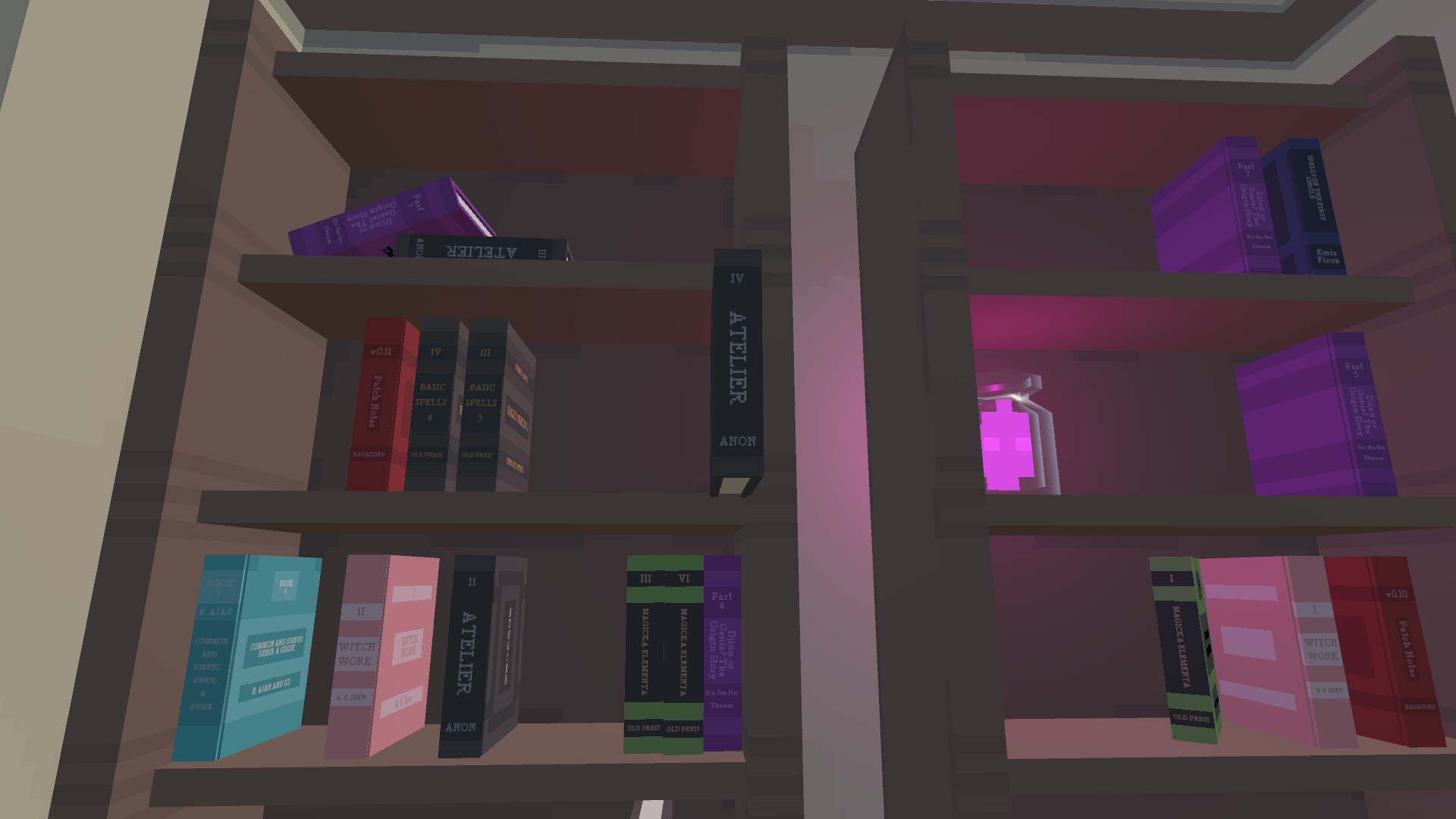
Look around the atelier for textbooks. These are visually distinct from other clutter — they appear as thick, colorful books with titles. The first one you will likely find is the introductory tome, perhaps Fundamentals of Mana or a similar primer. Click on it to begin reading.
Step 4: Study the Text
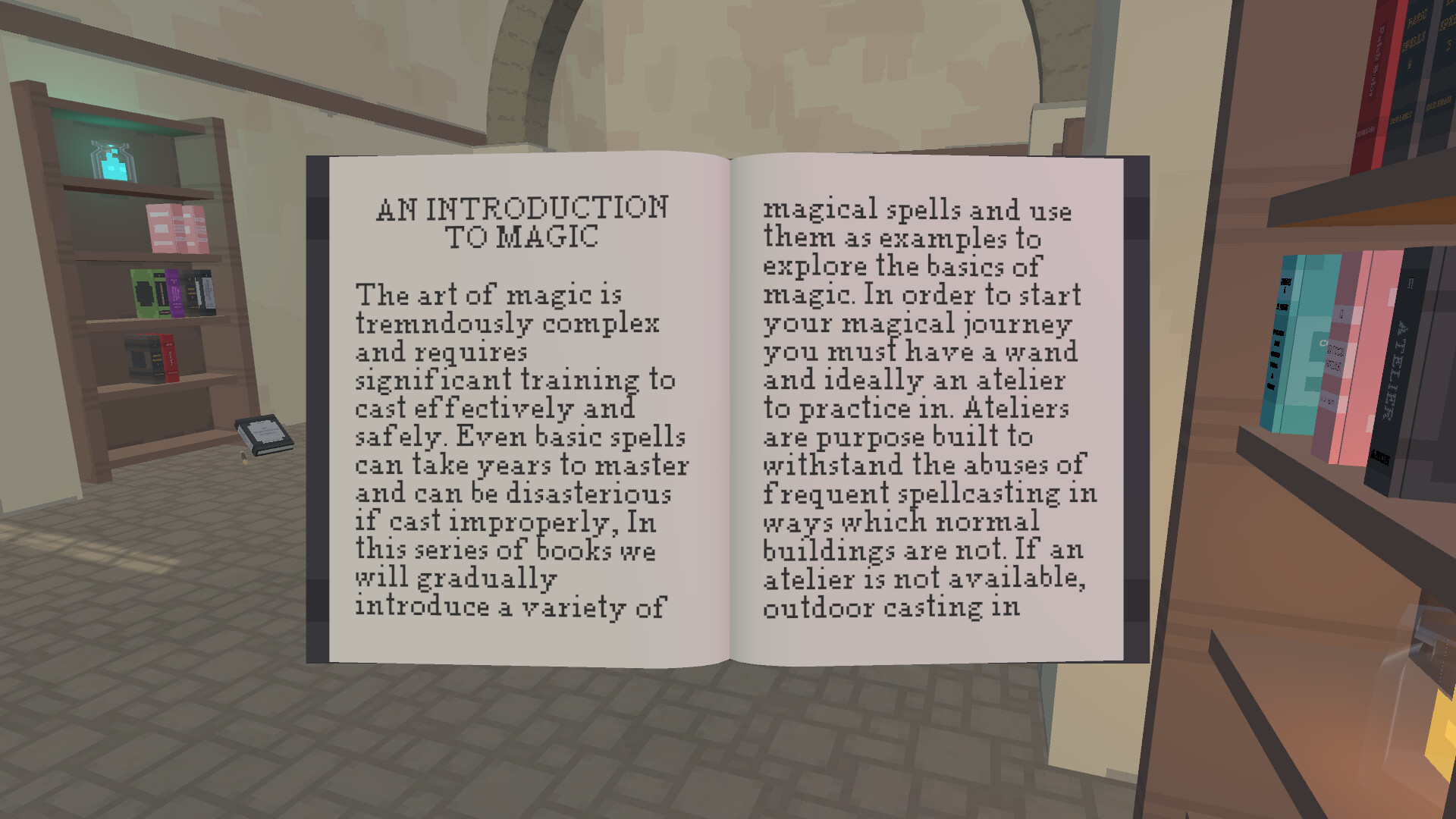
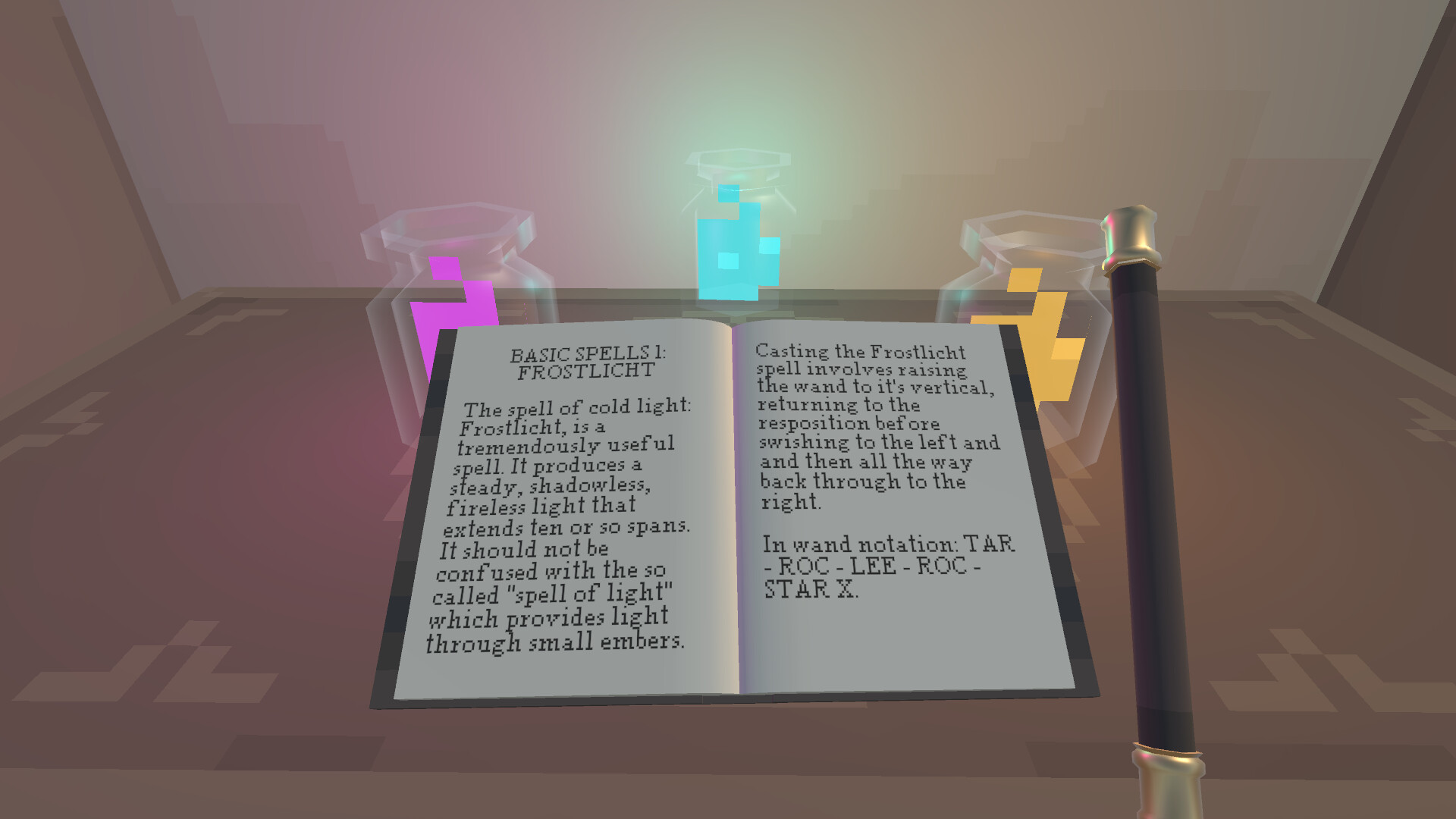
Textbooks contain magical theory and practical instructions. Read through each page carefully — the game uses a pixel-art runic font for spell names, which can be hard to read at first. Studying unlocks new spells in your spellbook.
Step 5: Open Your Spellbook
Press S to open your spellbook. Any spells you have learned from studying textbooks will appear here. Select a spell to ready it for casting. Your currently selected spell is shown on-screen.
Step 6: Cast Your First Spell
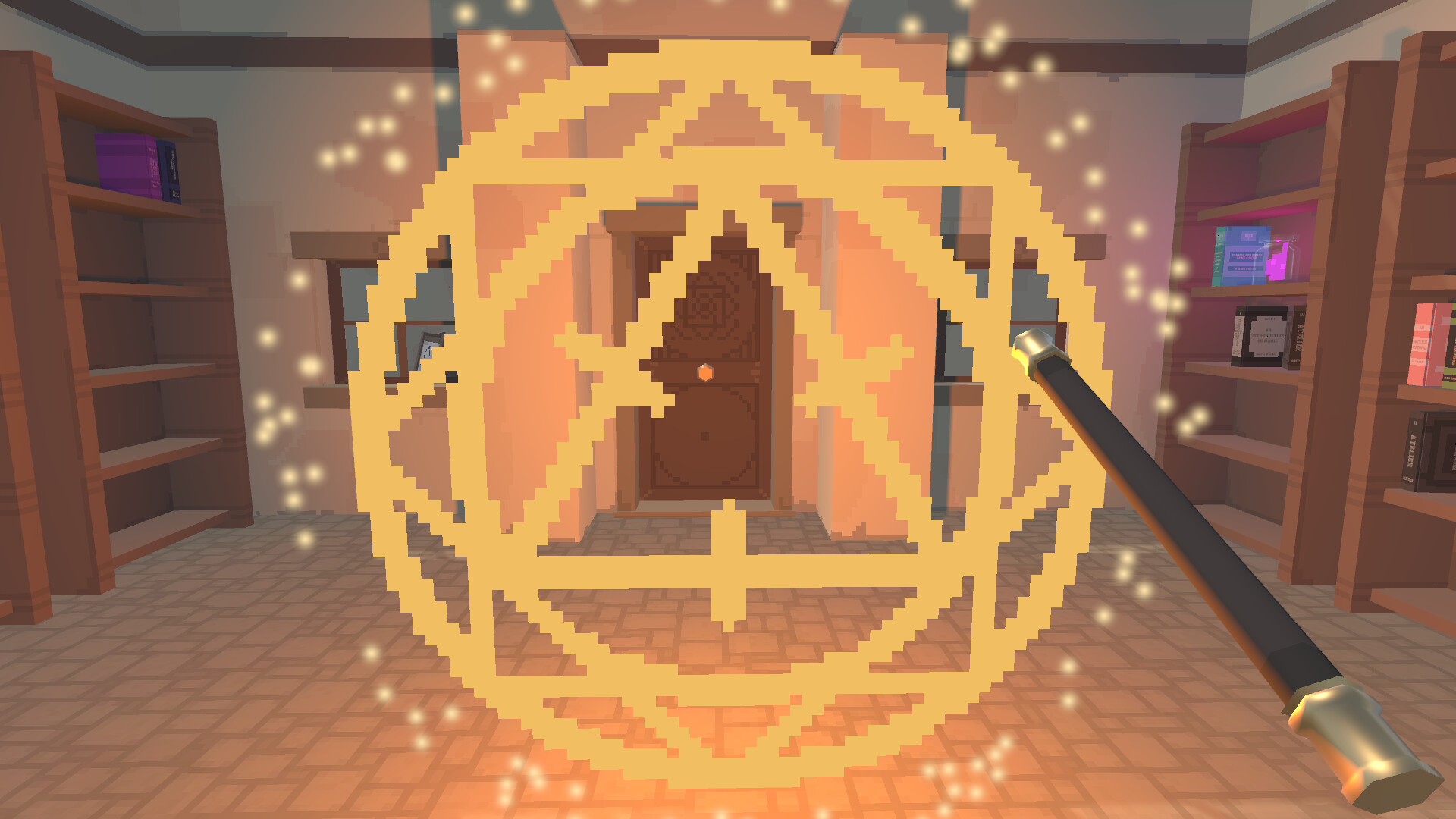
With a spell selected, Right-click on a target object in the atelier. The method of casting involves targeting specific objects. Experiment with clicking and dragging on different objects. Early spells include cleaning magic (which speeds up tidying) and basic mana manipulation. If you find the wand gets stuck or a spell misfires, try targeting a different object or moving to a clearer spot.
Step 7: Gather and Experiment
As you cast spells, you will consume ingredients found in the atelier. Explore every corner — some areas may be locked or hidden, requiring specific spells to access. Cast known spells on unexpected objects; some have secondary effects (cleaning cantrips might reveal hidden items, transfiguration can unlock shortcuts).
Step 8: Establish a Rhythm
The game has no pressure, but an efficient rhythm is: tidy → study → cast → explore → repeat. Spend a few minutes tidying after each study session. Use ingredients freely — they are meant to be consumed.
Advanced Tips
| Mistake | Why It Hurts | How to Fix |
|---|---|---|
| Letting the atelier get too messy | Spell effectiveness drops noticeably with clutter. Weak casts waste ingredients. | Tidy for 2–3 minutes after every study session. Prevention is faster than cleanup. |
| Rushing through textbooks | Later books require spells from earlier ones. Skipping leads to dead ends. | Fully absorb each textbook before moving on. Practice the spells it teaches. |
| Ignoring the runic font | Spell names use a pixel-art font that can be hard to decipher. Misreading leads to incorrect casting. | Take your time reading. Check the spellbook (S key) for clearer labels. |
| Hoarding ingredients | Ingredients are meant to be used. Many players hoard rare items and never cast anything. | Use ingredients freely. The game's balance expects you to cast often. |
| Not experimenting with spells | Each spell has multiple uses beyond its primary function. Sticking to obvious targets misses content. | Try every spell on every interactable object. Cleaning spells might reveal hidden areas. |
| Getting discouraged by Early Access gaps | Missing menus (save, pause, settings) and limited content can frustrate first-time players. | Check Steam forums or Discord for known issues. Report bugs to [email protected]. |
| Treating it like a productivity game | No speedrun, timer, or fail state exists. Optimization mindset leads to burnout. | Play at your own pace. Sit with the atmosphere. The cozy experience is the point. |
| Forgetting to check for updates | Weekly patches add new spells and fix bugs. Playing an outdated version means missing content. | Keep the game updated on Steam. Check community hub for patch notes. |
5. Core Mechanics
5.1 Tidy-Up System
The atelier starts organized but gradually accumulates clutter as you work: ingredients scatter, books pile up, and equipment gets rearranged. Clutter directly impacts spell potency — a messy room produces weaker magic. There is no punitive consequence (nothing bad happens if you let it slide), but maintaining a clean workshop makes everything faster and easier.
Tidying is performed by clicking on clutter and dragging it to appropriate storage locations. As you learn cleaning spells, you can automate some of this process, freeing up time for study and exploration.
The tidy mechanic serves double duty: it is both a gameplay loop (organize to progress) and a thematic anchor (you are, after all, the witch's cleaner).
5.2 Spellcasting System
This is the heart of Witchworker. The spellcasting system was completely reworked shortly before Early Access launch — the original demo was pulled because the developer overhauled the mechanic from the ground up.
How casting works:
- Learn spells by studying textbooks found in the atelier.
- Equip a spell from your spellbook (S key).
- Right-click on a target object to cast the selected spell.
- The exact casting method involves targeting specific objects and interactable points.
- Spells consume ingredients from your inventory.
Current spell examples (Early Access v1.0):
- Cleaning Cantrips — Speed up tidying by magically organizing clutter.
- Fundamentals of Mana — Basic energy manipulation, the foundation for all other magic.
- Additional spells (approximately 3 total at launch) — discovered through textbook study and experimentation.
The developer has stated that weekly updates will add new spells. The long-term roadmap includes 13 textbooks covering different schools of magic (announced before the spellcasting rework; subject to change).
Known quirks:
- The wand can become stuck on scenery; move to a different position and target again.
- The runic font for spell names can be difficult to read; the developer is aware.
- There is no reset room button yet if items get stuck — a commonly requested feature.
5.3 Exploration and Discovery
The atelier is not just a single room — it contains hidden areas, locked sections, and secrets that require specific spells to access. Exploration is driven by:
- Spell-based unlocking — Some areas require a spell you have not learned yet, creating natural progression gates.
- Environmental storytelling — The absent witch's belongings, scattered notes, and the condition of the atelier hint at a backstory.
- Ingredient discovery — New ingredients are found by exploring, casting spells on unexpected objects, and accessing hidden areas.
There is no minimap or quest log. Exploration is purely player-driven. If you feel stuck, try casting known spells on everything in the current room.
6. Advanced Strategies
6.1 The Tidy-First Priority
Before studying a new textbook, always tidy the atelier to near-spotless condition. A clean workshop means your study session's practice spells will be more effective, wasting fewer ingredients. This seems counterintuitive (tidying takes time away from studying), but the spell potency boost more than makes up for it.
6.2 Systematic Spell Testing
When you learn a new spell, methodically test it on every type of object in the atelier: bookshelves, garden plots, storage containers, walls, floors, decorative items. Some spells have hidden secondary effects not mentioned in the textbook. Keep track of what worked where.
6.3 Ingredient Efficiency
Low-quality ingredients produce weaker spell effects. While the ingredient quality system is still being fleshed out in Early Access, the principle holds: save your highest-quality materials for critical progression spells (unlocking new areas, learning advanced textbooks). Use lower-quality ingredients for practice and experimentation.
6.4 Camera Angle Exploitation
A known Early Access bug allows the camera to flip upside-down when wiggling the mouse at extreme North/South angles. While unintended, different camera angles can reveal hidden objects or interactable points you might miss from the default perspective. Use camera rotation to survey every corner thoroughly.
6.5 Community-Driven Discovery
Because Witchworker is in Early Access with weekly updates, the most effective strategy is staying connected to the community. Check the Steam forums and the developer's Discord for:
- Newly discovered spell combinations
- Secret areas found by other players
- Upcoming content previews from developer posts
- Bug workarounds and patches
The developer (RAJACORP) is responsive to feedback. Email [email protected] for direct concerns.
7. Controls Reference
| Action | Input |
|---|---|
| Move cursor / interact | Mouse |
| Select object | Left Click |
| Drag object (tidy) | Hold Left Click + move mouse |
| Cast selected spell | Right Click (on target) |
| Open spellbook | S |
| Open inventory | I |
| Open textbook | T |
| Cycle active spell | Mouse wheel |
| Quick clean tool | C |
| Pause / Menu | Escape (menu may be missing in Early Access) |
Note: Controller support has not been confirmed. The game is currently designed for mouse and keyboard only.
FAQ
Q: How much does Witchworker cost? A: $5.99 USD (approximately S$7.29 SGD, GBP 4.79, EUR 5.49). The Early Access price may increase at full release.
Q: Is Witchworker fully released? A: No. It launched in Early Access on June 23, 2026. The developer adds content weekly.
Q: What platforms are supported? A: Windows 10+ (64-bit), macOS 10.14+, and Linux (Ubuntu 12.04 64-bit+). All require 4 GB RAM, 1 GB VRAM, and approximately 200 MB storage.
Q: Is there combat? A: No. Witchworker is a non-combat cozy simulation. All magic is utility-based: cleaning, organizing, exploring, and crafting.
Q: How long is the game? A: At Early Access launch, roughly 1–3 hours of content (3 spells, limited textbooks). Weekly updates expand content significantly.
Q: How many textbooks and spells are in the game? A: At launch, approximately 3 spells are available. The long-term roadmap mentions 13 textbooks covering different schools of magic, but this was announced before a major spellcasting rework and may change.
Q: Will Early Access progress carry over? A: The developer has stated save files should remain compatible through full release. Major updates may require save migration.
Q: Is there a demo? A: A demo was briefly available during Steam Next Fest but was pulled due to the spellcasting system rework. It may return in future months.
Q: Does the game have controller support? A: Not currently confirmed. The game is designed for mouse and keyboard.
Q: I cannot find the save/pause/settings menu. Is this a bug? A: These menus are reportedly missing in the Early Access launch build. The developer has acknowledged this and plans to add them. Progress is likely autosaved.
Q: The camera flipped upside down — is this a bug? A: Yes. Wiggling the mouse at extreme camera angles can flip the view. This is a known bug the developer plans to fix.
Q: I got my wand stuck. How do I fix it? A: Move to a different position and try targeting a different object. There is no reset room button yet — this is a commonly requested feature.
Q: Who developed Witchworker? A: RAJACORP, a solo indie developer. Contact: [email protected].
Q: How do I report a bug or give feedback? A: Post on the Steam community forums, join the developer's Discord (linked on the Steam store page), or email [email protected] directly.
Q: Will Witchworker get more languages? A: Currently English only. No other languages have been announced.
9. Final Tip and Verdict
Final Tip: Approach Witchworker like you are actually exploring an abandoned magical workshop. Do not rush. Read every book you find. Cast every spell on everything at least once. The game rewards curiosity, not efficiency. And because it is Early Access with weekly updates, check back often — a new spell or textbook might unlock the area you thought was a dead end.
Verdict: Witchworker is a promising cozy magic sim with a unique spellcasting system and genuine charm. The Early Access state is very early — roughly 1–3 hours of content at launch — but the developer's commitment to weekly updates and responsive community engagement are strong signals. At $5.99, it is a fair price for the foundation of what could become a standout cozy game. If you are comfortable with bare-bones Early Access and enjoy discovery-driven magic gameplay, it is worth picking up now. If you prefer complete experiences, wishlist it and check back in a few months.
Guide researched and written by Game How To Editorial, verified against Steam Store API responses, Steam user reviews, and developer announcements as of July 2026. All details reflect Witchworker Early Access v1.0. Facts, prices, and features may change as the game is updated.
Screenshots