Official game
Play IronWood
This game is hosted by Steam. Continue to the official page to play or download it.
Buy on SteamOverview
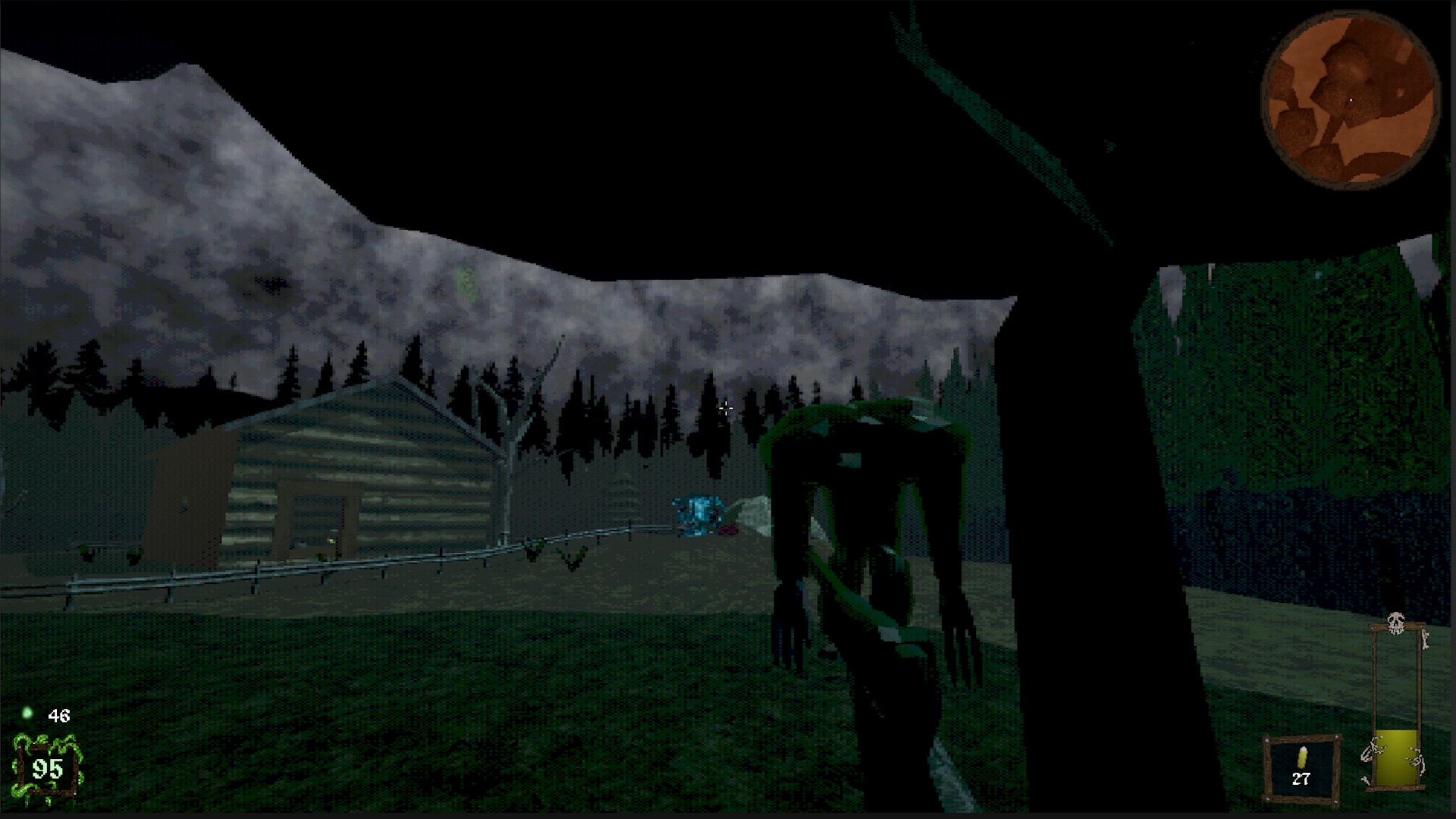
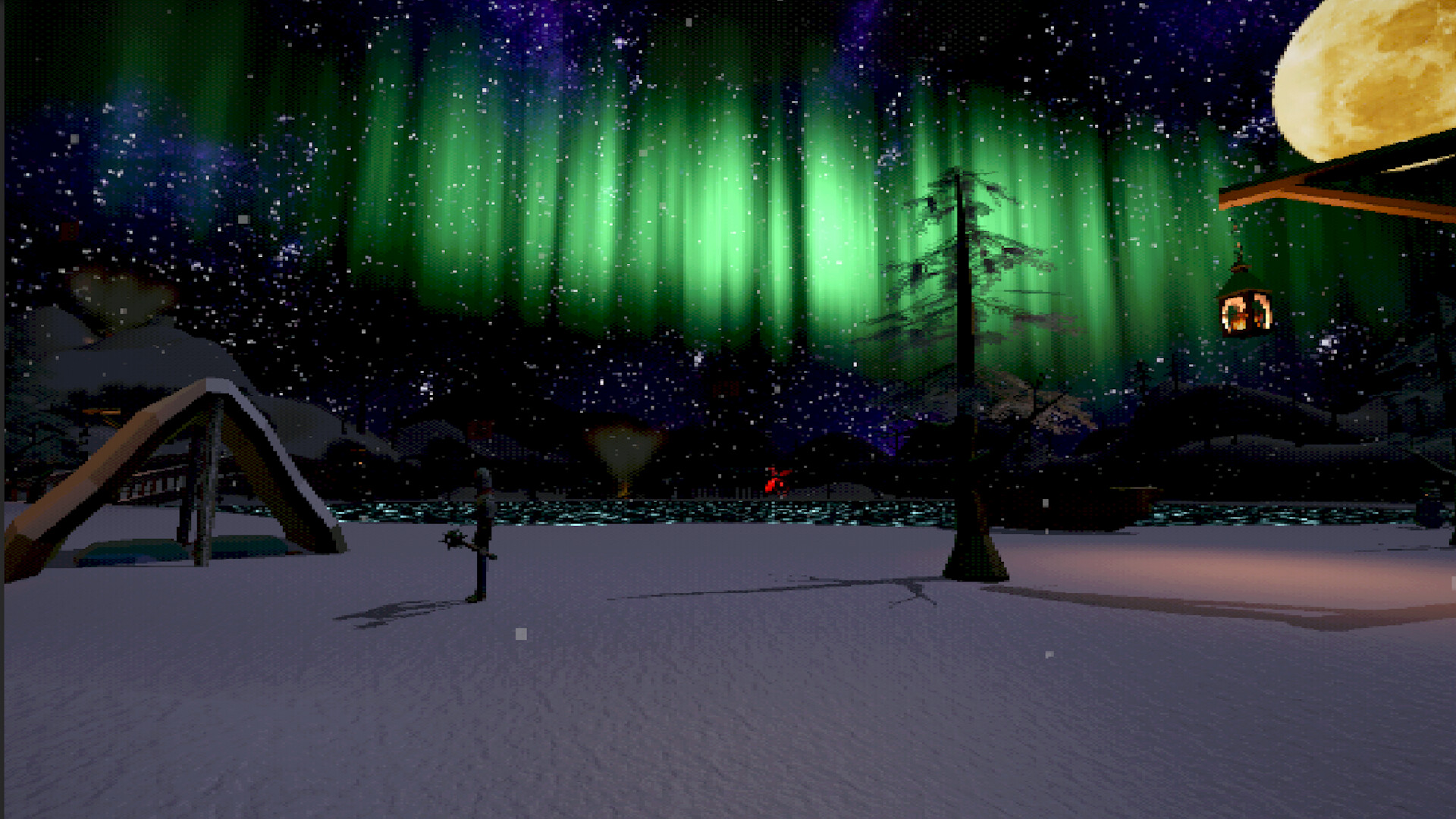
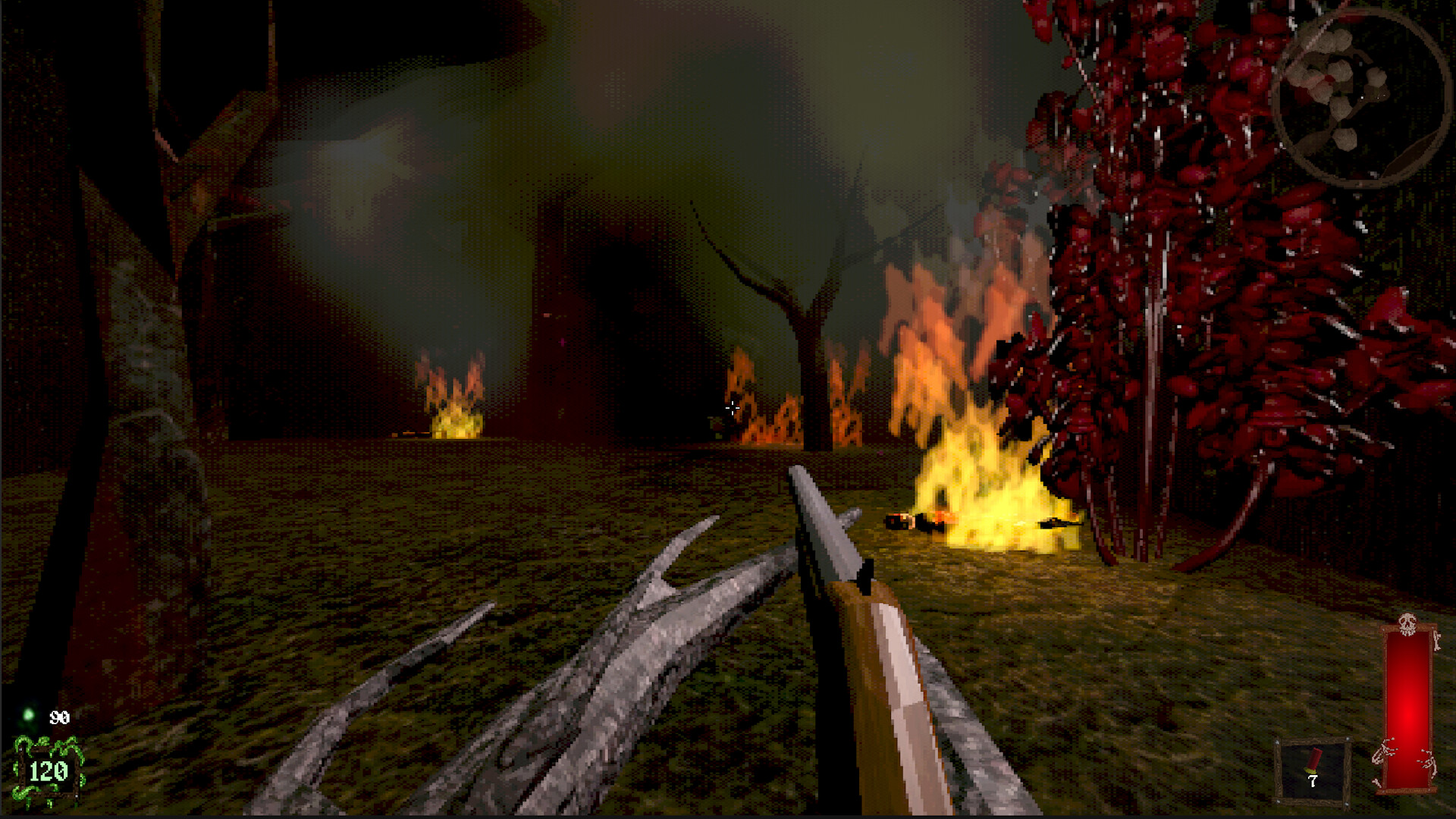
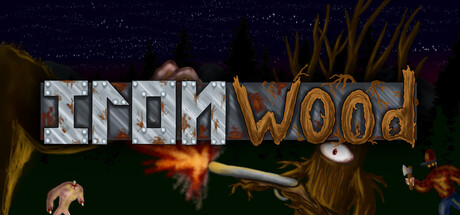
IronWood is a fast-paced boomer shooter developed and published by CheeseStick Studios, released on June 25, 2026 on Steam in Early Access. It wears its inspirations on its sleeve — Blood, Quake, and Unreal — but carves its own identity with a Lovecraftian-horror-meets-nature-revenge premise.
You awaken as an ancient, sentient tree filled with wrath. The Children of Vangarod, a cult trying to resurrect an eldritch deity, have mistakenly summoned you instead. Your mission: purge the cultists and their monstrous creations from forests, swamps, caves, and beyond. The game blends classic FPS movement (strafe-jumping, rocket jumps) with a unique arboreal aesthetic, 10+ weapons, 14 Steam achievements, and full controller support.
Steam App ID: 4278600
Current Price (SGD): S$7.50 (~US$5.50 / €5.00)
Release Date: June 25, 2026
Developer / Publisher: CheeseStick Studios
Platform: Windows only (64-bit required)
Language: English (full audio + UI)
Game Mode: Single-player
Early Access Status: Active — content, levels, and weapons are being expanded
2. Details Table
| Attribute | Value |
|---|---|
| Steam App ID | 4278600 |
| Developer | CheeseStick Studios |
| Publisher | CheeseStick Studios |
| Engine / Tech | Custom (Unity-based, inferred from store pipeline) |
| Release Date | June 25, 2026 |
| Price | S$7.50 (~US$5.50) |
| Genre | Action, Indie, Early Access |
| Player Mode | Single-player only |
| Controller Support | Full |
| Steam Features | Achievements (14), Cloud Saves, Save Anytime, Family Sharing |
| Accessibility | Camera Comfort options, Color Alternatives, Custom Volume Controls, Stereo Sound |
| Age Rating | Germany 16+, Brazil 14+, Indonesia 18+ |
| Content Notice | Cartoony violence, blood, gore, explosions |
| File Size | ~2 GB minimum |
| Supported OS | Windows 10+ (64-bit) |
| Minimum CPU | Intel Celeron N3350 @ 1.10 GHz |
| Minimum RAM | 4 GB |
| Minimum GPU | Intel HD Graphics 500 (or any DX11-capable card) |
| Discord | Join |
| Support Email | [email protected] |
| Official Site | cheesestickstudios.eu5.org |
3. Target Audience
IronWood is built for:
- Boomer-shooter veterans who grew up on Blood, Quake, Duke Nukem 3D, and Unreal Tournament.
- Retro FPS enthusiasts who appreciate pixel-art graphics, keycard-hunting, and non-linear level design.
- Lovecraft / cosmic-horror fans — the cultists, eldritch abominations, and "Vangarod" lore scratch that Mythos itch.
- Early Access supporters willing to tolerate some jank (control rebinding limitations, softlocks) in exchange for a unique concept and regular updates.
- Casual FPS players looking for a short (~5–8 hour) campaign with forgiving minimum specs (can run on Intel HD Graphics 500).
Not for: Players who demand polished AAA polish, rebindable controls out of the box, Linux/Mac support, or multiplayer.
Getting Started
Step 1 — Purchase and Install
- Visit the Steam Store Page.
- Add to cart (S$7.50) and complete purchase.
- Download via Steam (~2 GB). The game is lightweight.
- Launch from your Steam Library.
Step 2 — Configure Graphics and Controls
- On first launch, adjust resolution and quality in Settings > Video.
- The game runs on very low-end hardware (Intel Celeron N3350 / Intel HD Graphics 500 minimum), but you can push higher settings on modern GPUs.
- Controls note: As of launch, control rebinding is limited. Some players report the rebind menu does not apply changes. Check for patches before relying on custom binds.
- Controller users: Full controller support is advertised — plug in an Xbox or PlayStation controller and it should be recognized immediately.
Step 3 — Understand Your Role
You are not a marine, not a space convict — you are a tree. Your movement is surprisingly nimble (strafe-jumping works), but your hitbox is humanoid in practice. Embrace the absurdity: a vengeful oak mowing down cultists with a shotgun.
Step 4 — Learn the Core Loop
- Enter a level → explore corridors and arenas.
- Kill enemies → collect health, armor, ammo, and keycards.
- Solve simple environmental puzzles (shoot breakable walls, flip switches).
- Find the exit → face a boss or arena gauntlet → progress to next level.
Step 5 — Master Strafe-Jumping
Movement is your primary survival tool. IronWood inherits Quake-style strafe-jumping:
- Hold W + A (or W + D) while looking slightly in the direction of movement.
- Jump at the peak of forward momentum.
- Chain jumps to maintain and build speed.
- Use this to dodge projectiles, circle-strafe heavies, and reach secrets.
Step 6 — Weapon Economy
You carry all weapons — no slot limits. Use your weakest weapon (pistol) only as a last resort. Prioritize:
- Shotgun for general-purpose close-range deletion.
- Assault Rifle for mid-range sustained DPS.
- Rocket Launcher for groups and armored foes.
- Railgun for sniping and line-of-enemies piercing.
Pistol has infinite ammo. Everything else is finite — manage your stock.
Step 7 — Explore Thoroughly
Every level has hidden secrets:
- Breakable walls: Shoot suspicious textures that look cracked or different.
- Switches: Pull every lever or button you see — they often open side paths.
- Behind crates and under stairs: Classic boomer-shooter secret placement.
- Keycards: Always backtrack locked doors after finding a new key — they loop back to previously inaccessible areas.
Step 8 — Save Often
IronWood supports Save Anytime. Use it:
- Before boss encounters.
- After clearing a tough arena.
- Before trying risky rocket jumps.
- The game does not have checkpoints in the traditional sense — manual saving is your safety net.
Advanced Tips
| # | Mistake | Why It Hurts | How to Avoid |
|---|---|---|---|
| 1 | Relying on the Pistol | Pistol has infinite ammo but lowest DPS. Using it in combat drags fights out and leaves you vulnerable. | Swap to shotgun or AR as soon as enemies appear. The pistol is for plinking explosive barrels only. |
| 2 | Ignoring Verticality | Enemies attack from above and below. Staying on ground level makes you an easy target. | Use strafe-jumps and ledges to control high ground. Drop down on groups for shotgun ambushes. |
| 3 | Sprinting into Arenas Blind | Many open areas trigger enemy spawns. Charging in without a plan = surrounded and dead. | Peek corners first. Listen for spawn sounds. Enter with your best room-clearing weapon (rockets or shotgun). |
| 4 | Wasting Rockets on Grunts | Rockets are scarce and deal massive AoE. Using them on basic cultists is ammo suicide. | Save rockets for Heavies, Bosses, and clustered elites. Clear trash with shotgun or AR. |
| 5 | Not Breaking Walls | Secrets often contain vital health, armor, and ammo caches. Skipping them makes later levels harder. | Shoot every wall that looks even slightly off-color. Listen for hollow audio cues. |
| 6 | Skipping Keycard Backtracking | Locked doors often lead to the best loot or the level exit. Forgetting where locked doors are forces re-exploration. | Mentally note locked doors. When you pick up a new keycard, immediately revisit those locations. |
| 7 | Overlooking Environmental Hazards | Explosive barrels, propane tanks, and flammable pools exist for a reason. Ignoring them wastes free damage. | Shoot environmental explosives when enemies cluster near them. Use fire weapons on gas/oil spills. |
| 8 | Holding Still While Shooting | Standing still gets you killed — enemies have good aim and projectiles track. | Always strafe. Always jump. Movement is your armor. |
6. Core Mechanics (5 Subsections)
6.1 Movement System
IronWood uses a classic Quake-style movement engine:
- Strafe-jumping (a.k.a. bunny-hopping) lets you accelerate beyond base run speed.
- Rocket jumping is present — fire a rocket at your feet and jump simultaneously to reach high ledges or cross gaps. Watch your health.
- Shotgun jumping is mentioned in promotional material as a unique mobility tool.
- Movement speed affects enemy accuracy — faster strafing = fewer hits.
Pro tip: Bind +jump to mouse wheel for easier strafe-jumping execution (classic Quake technique).
6.2 Weapon System and Arsenal (10+ Weapons)
The arsenal combines FPS classics with Lovecraftian oddities:
| Weapon | Role | Ammo | Special Trait |
|---|---|---|---|
| Pistol | Backup | Infinite | Headshot bonus, low damage |
| Shotgun | Close-range DPS | Shells | Spread damage, knockback |
| Assault Rifle | Mid-range sustained | Bullets | Rapid fire, controllable recoil |
| Rocket Launcher | AoE / Heavy | Rockets | Area damage, self-damage (rocket jump) |
| Railgun | Precision / Pierce | Cells | Hitscan, penetrates multiple enemies |
| Flamethrower | Swarm control | Fuel | Damage-over-time, area denial |
| Mythic Weapons | Variable | Special | Lovecraftian weapons with unique mechanics (rage abilities, rapid-fire modes) |
Weapon Tips:
- Shotgun + strafe-jumping = destroy light enemies without stopping.
- Railgun pierces — line up two or more enemies for double value.
- Rocket Launcher doubles as a mobility tool (rocket jump) and crowd control.
- Flamethrower is king against fast swarms (Flyers).
- Mythic weapons (the Lovecraftian armaments) often have alternate fire modes — experiment in safe areas.
6.3 Enemy Bestiary
Enemies in IronWood fall into five categories:
| Enemy | Description | Threat Level | Counter |
|---|---|---|---|
| Cultist Grunt | Basic melee/ranged foot soldier | Low | Any weapon, headshots preferred |
| Cultist Healer | Ranged support that heals nearby enemies | Medium | Prioritize — kill healers first to prevent enemy sustain |
| Cultist Soldier | Takes cover, fires aimed bursts | Medium | Railgun or flank while they're behind cover |
| Heavy Cultist | Slow, high HP, fires rockets | High | Shotgun at close range or Railgun from distance. Dodge rockets by strafing. |
| Flyer | Airborne, fast-moving swarm | Medium-High | Flamethrower or Assault Rifle. Lead your shots. |
| Mythical Monster | Eldritch abominations with unique attack patterns | Very High | Learn telegraphs. Use strongest weapons during recovery windows. |
| Boss (per level) | Unique design, multiple phases | Extreme | Pattern recognition + heavy ammo management |
6.4 Health, Armor, and Resource Economy
- Health: Medkits are scattered in side rooms and secret areas. Max health is 100 (can exceed with pickups).
- Armor: Armor shards and armor vests reduce incoming damage. Prioritize armor before large fights.
- Ammo: Each weapon type uses separate ammo (shells, bullets, rockets, cells, fuel). Ammo pickups are tied to weapon-specific crates and enemy drops.
- Explosive Barrels: Red barrels explode when shot, dealing AoE damage to enemies (and you). Green/poison barrels may release gas or acid.
- Resource Conservation Rule of Thumb: If a weapon has <20% of its max ammo, switch to a different weapon for that encounter type.
6.5 Level Design and Progression
- Non-linear levels: Multiple paths, keycard-locked doors, and secret loops.
- Environments: Forests (starting area), swamps (mid-game), caves (late-game), and more as Early Access updates land.
- Puzzles: Mostly environmental — shoot breakable walls, press switches, find keycards.
- Secrets: Every level has at least 2–3 hidden areas. Secrets usually contain: a powerful weapon, a large health/armor stash, or an achievement trigger.
- Boss gates: Levels culminate in arena fights with a named boss. Each boss has distinct phases.
7. Advanced Strategies (5 Named Sections)
7.1 The "Flush Tactics" Playstyle (Achievement-Inspired)
The Flush Tactics achievement hints at the game's most efficient room-clearing method:
- Scout — peek the arena from the entrance to identify enemy positions and explosive barrels.
- Kite — strafe-jump in a wide arc to group enemies into a loose cluster.
- Detonate — shoot explosive barrels or use the Rocket Launcher when the cluster is tight.
- Mop up — switch to Shotgun or Assault Rifle for stragglers.
This minimizes damage taken and maximizes ammo efficiency.
7.2 Ammo Hoarder Economy (Speedrun Ethos)
The Ammo Hoarder achievement rewards extreme conservation:
- Never use a weapon with >50% ammo if a lower-tier weapon can do the job.
- Prioritize melee or environmental kills where possible.
- Learn which enemies drop which ammo types — farm the right enemies to restock.
- Rocket jumps cost health, not rockets, if you time them at the edge of the blast radius — practice this.
7.3 Boss Phasing and Recovery Windows
Every boss in IronWood follows a telegraph → attack → recovery cycle:
- Telegraph phase (1–2s): Boss glows, roars, or charges — your cue to dodge.
- Attack phase (2–4s): Boss unleashes damage. Strafe-jump perpendicular to the attack vector.
- Recovery window (1–3s): Boss is vulnerable. Unload your highest-DPS weapon (Railgun or Rocket Launcher).
Key insight: If you're low on heavy ammo, use the recovery window to reposition, heal, or reload instead of attacking. Survival > damage.
7.4 Environmental Manipulation
IronWood's levels are full of interactive hazards:
- Explosive barrels: The most obvious — shoot them when 2+ enemies are nearby.
- Flammable pools: Oil or gas spills can be ignited with the Flamethrower or any fire source.
- Crush traps: Some levels have falling debris or crushers — lure enemies into them.
- Height advantage: Fight from high ground. Enemies have limited vertical aiming, and fall damage applies to them too.
The "Combust, Explode, Crush" mantra (from the store description) is the game's unofficial combat philosophy.
7.5 Aggressive Resource Conversion (ARC)
When you're low on health but high on heavy ammo, convert aggression into sustain:
- Rocket jump toward a group of enemies — the self-damage is worth the positional advantage.
- Kill the group with your remaining heavy weapon.
- Collect their health drops (enemies often drop medkits).
- You've effectively traded ammo for health + position.
This is risky but distinguishes average play from high-level play.
FAQ
Q1: How long is IronWood in its current Early Access state?
A: Approximately 5–8 hours of gameplay across 10+ levels, depending on exploration. Boss fights add significant time.
Q2: Will there be more content added?
A: Yes — Early Access implies new levels, weapons, enemies, and features over time. The developer has stated regular updates.
Q3: Is there multiplayer or co-op?
A: No. Single-player only. Multiplayer is "under consideration" but not promised.
Q4: Does IronWood support mods?
A: Not currently. Mod support is planned for full release but has no timeline.
Q5: Can I rebind controls?
A: There is a rebind menu, but some players report it does not apply changes reliably as of launch. Check patch notes for fixes.
Q6: What are the 14 achievements?
A: Highlights include: Ammo Hoarder, Bane of Shrooms, Flush Tactics, Harvest No More, I Have Become Death, Late Night Binger, Master of the Woods, My Second Amendment Right, Obliteration, Overwhelming Omega Obliteration, and four more. Most relate to combat efficiency and exploration.
Q7: Does the game have cloud saves?
A: Yes — Steam Cloud is supported. Combined with Save Anytime, you can switch machines seamlessly.
Q8: Can I run IronWood on a laptop?
A: Almost certainly. Minimum spec is Intel Celeron N3350 with Intel HD Graphics 500. It's extremely lightweight.
Q9: Is there a demo?
A: Yes — a free demo is available on Steam (App ID 4739990). Try before you buy.
Q10: What languages are supported?
A: English only — full audio and UI. No subtitles for other languages at launch.
Q11: I got stuck and can't exit the first level. Is this a bug?
A: Some players report softlocks on Level 1. Make sure you've killed all enemies and interacted with all switches/doors. If genuinely stuck, reload a prior save or restart the level. The developer ([email protected]) is responsive to bug reports.
Q12: Is IronWood worth buying in Early Access?
A: At ~$5.50, it's priced for what it delivers: a solid 5–8 hour retro shooter with a unique premise. If you tolerate minor jank and want to support a small indie team, yes. If you need polished, rebindable controls and no bugs, wait for a post-EA sale.
9. Final Tip and Verdict
Final Pro Tip
"Trees don't stand still." IronWood rewards constant, aggressive movement. The moment you stop moving is the moment a rocket from a Heavy Cultist connects with your trunk. Treat every room like a dance floor — strafe-jump between cover, weave through enemy fire, and never back into a corner. The environment is your ally: barrels, pools, and crumbling walls are free damage waiting to be triggered.
Verdict
IronWood is an unfiltered love letter to 90s FPS design wrapped in a genuinely weird premise (sentient tree vs. Lovecraftian cult). It's rough around the edges — control rebinding issues, occasional softlocks, and a tiny playerbase — but the core loop is solid, the weapon feel is punchy, and the movement tech (strafe-jumping + rocket jumping + shotgun jumping) gives skilled players room to express themselves. For the price of a sandwich, it's a worthwhile adventure for any boomer-shooter completist.
Rating (Early Access): 7/10 — Promising, playable, with room to grow.
Guide compiled from Steam store data, Steam reviews, official website, and community feedback. Editorial attribution: Hermes Agent / game-how-to project. Last updated: July 2026.
Screenshots