Official game
Play Haven Restored
This game is hosted by steam. Continue to the official page to play or download it.
Buy on SteamOverview
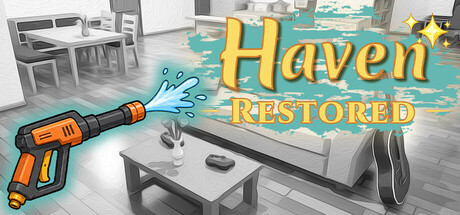
Haven Restored is a calming cleaning and restoration simulation game developed and published by Perseverance Games, released on June 23, 2026 on Steam. It falls squarely into the cozy/meditative game genre, sitting alongside titles like Unpacking, PowerWash Simulator, and A Little to the Left — but with its own distinct focus on tactile, hands-on cleaning and subtle environmental storytelling.
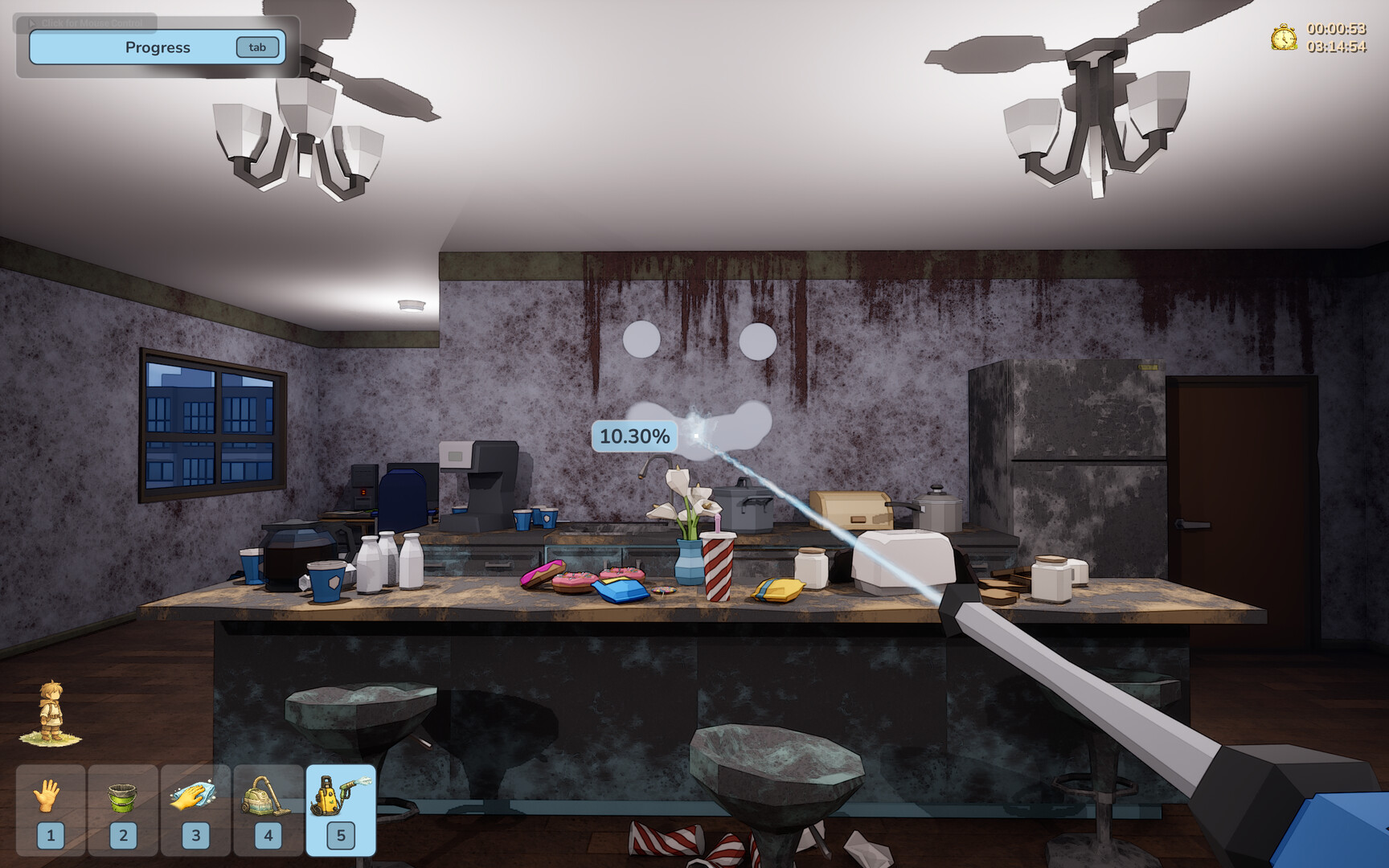
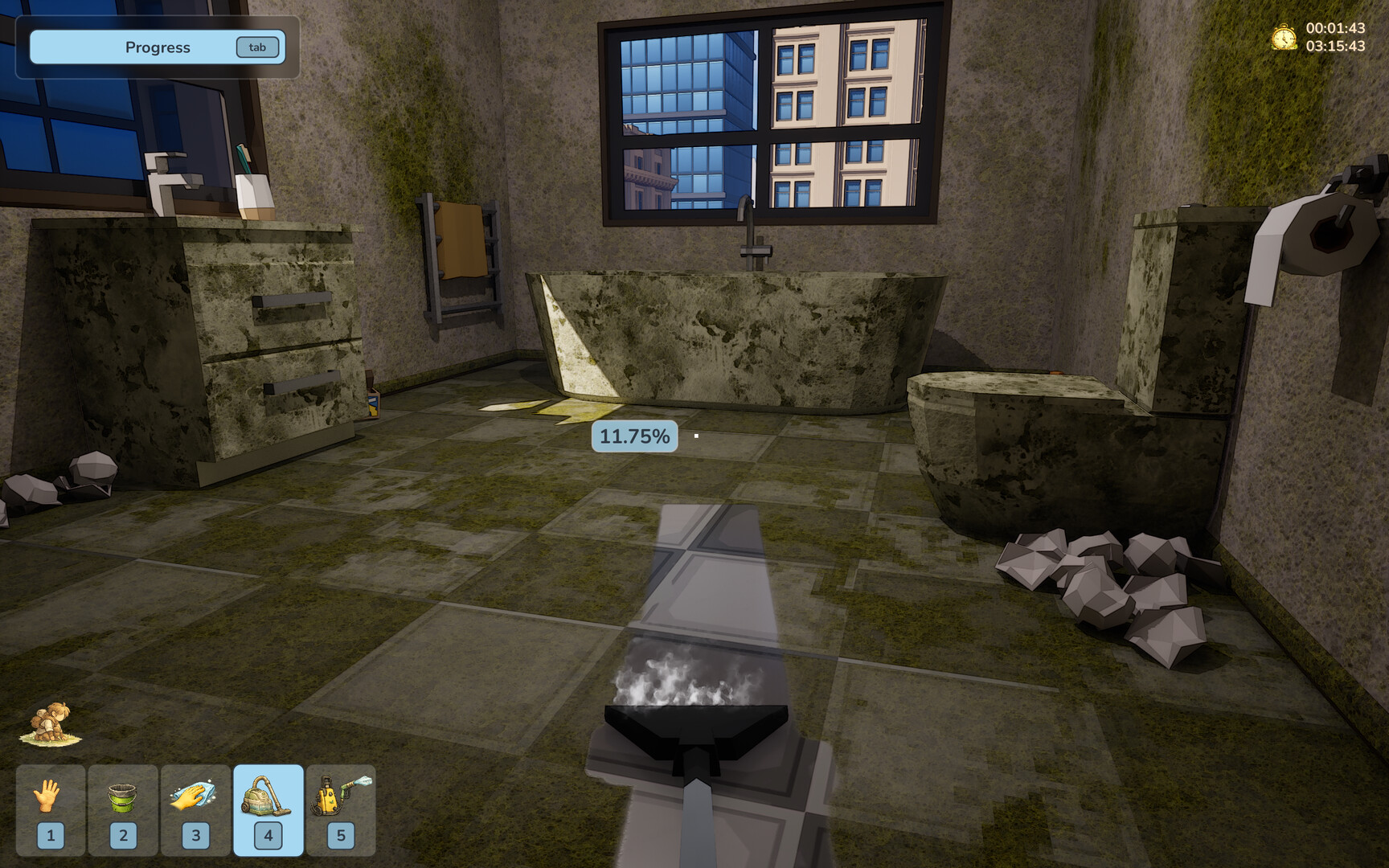
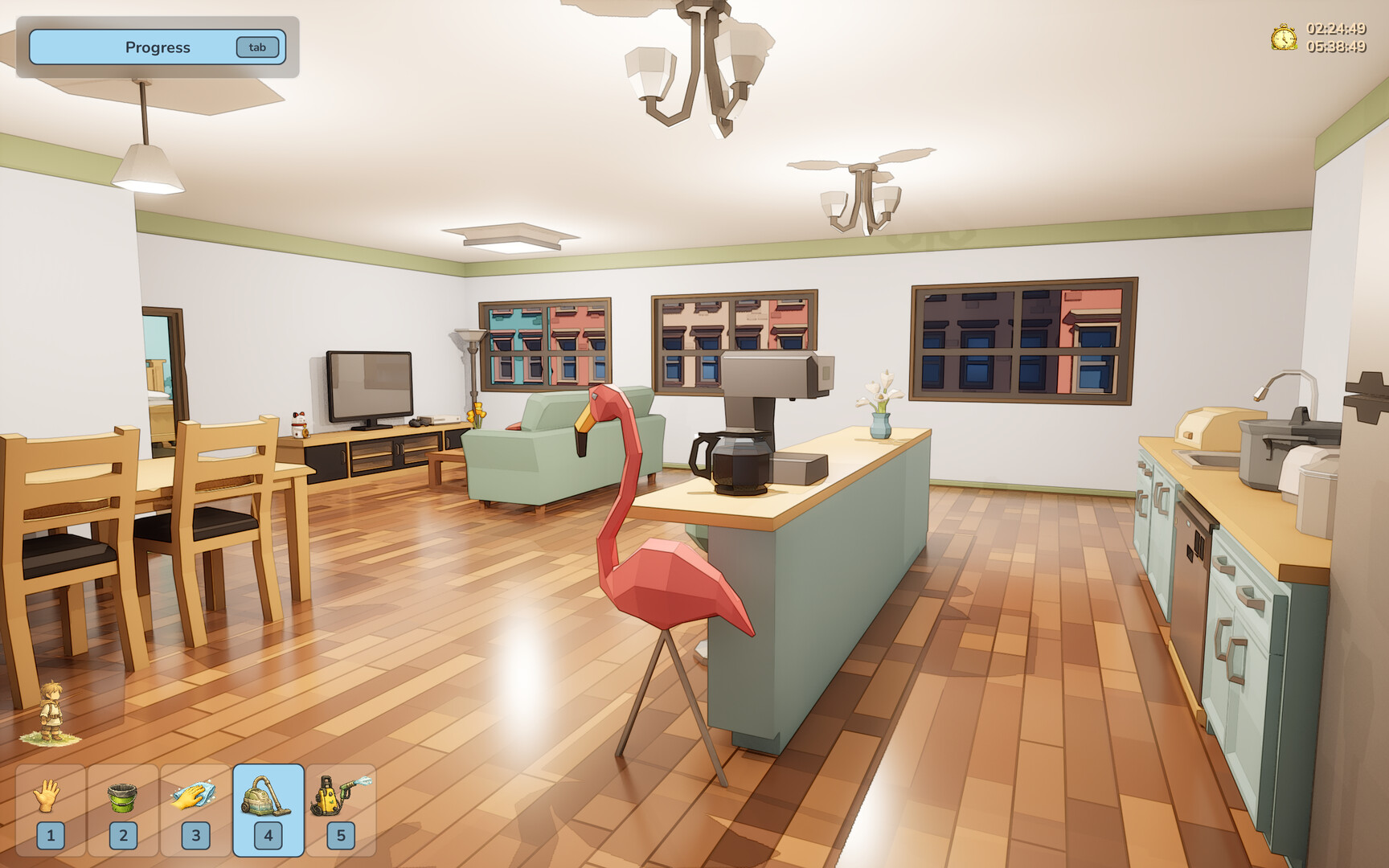
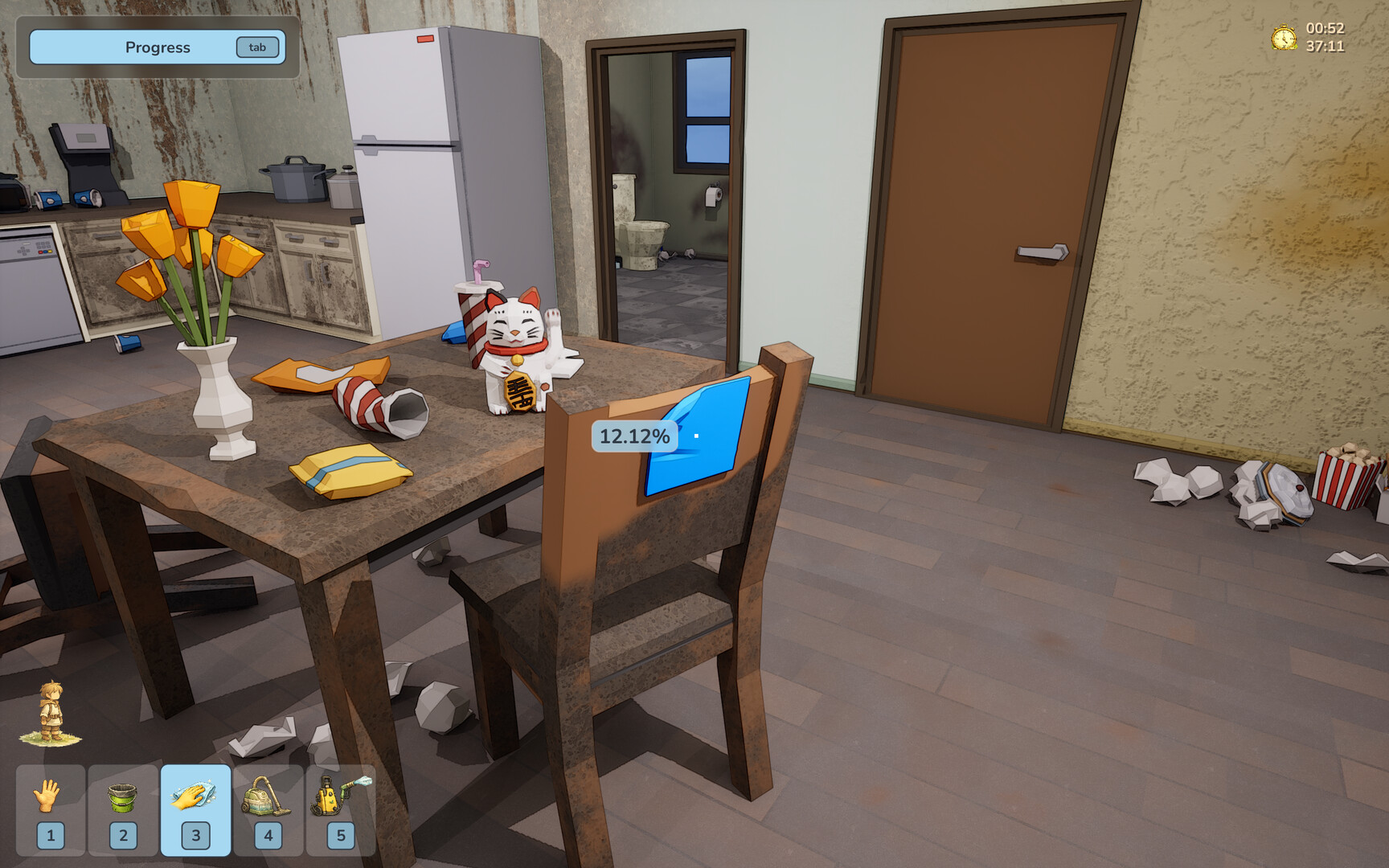
In Haven Restored, there are no timers, no fail states, and no pressure. You move through a series of neglected spaces — each one a room or area that tells part of a larger, quiet story about a single life changing over time. Using a variety of cleaning tools, you scrub grime, polish surfaces, remove clutter, rearrange furniture, and piece together fragments of narrative left behind in notes and objects.
The game was released at $4.99 USD and offers approximately 4–8 hours of playtime depending on thoroughness. It supports 21 Steam Achievements, save-anytime functionality, custom volume controls, and Family Sharing. It is currently Windows-only with English as the sole supported language.
This guide provides everything you need to fully experience Haven Restored — from first-time setup to advanced restoration techniques, achievement hunting, and troubleshooting common issues reported by the community.
Game Details
| Attribute | Detail |
|---|---|
| Title | Haven Restored |
| Developer / Publisher | Perseverance Games |
| Steam App ID | 4272830 |
| Release Date | June 23, 2026 |
| Price | $4.99 USD (S$5.89 SGD) |
| Genre | Indie, Simulation |
| Player Mode | Single-player |
| Achievements | 21 total |
| Estimated Playtime | 4–8 hours |
| Save System | Save Anytime (from pause menu) |
| Platforms | Windows 11 (64-bit only) |
| Languages | English |
| Steam Features | Achievements, Custom Volume Controls, Family Sharing |
| Minimum Specs | Win 11, Intel Core i5, 8 GB RAM, Nvidia GTX, 1 GB storage |
| Recommended Specs | Win 11, Intel Core i7, 16 GB RAM, Nvidia GTX, 1 GB storage |
| Website | perseverancegames.com.sg |
| Steam Review Status | Mixed (5 reviews at launch — 1 positive, 4 negative) |
Target Audience
Haven Restored is designed for players who:
- Enjoy cozy, no-pressure games with zero combat or time constraints
- Find satisfaction in cleaning, organizing, and restoration mechanics
- Appreciate environmental storytelling — uncovering narrative through objects, notes, and spaces rather than dialogue or cutscenes
- Want a meditative, low-stakes experience they can play in short bursts (thanks to save-anytime)
- Are fans of Unpacking, PowerWash Simulator, House Flipper, A Little to the Left, or Viscera Cleanup Detail
- Prefer single-sitting completions or achievement hunting in small doses
This game may NOT be for you if:
- You expect polished, bug-free gameplay at launch (early reviews report glitches — see FAQ)
- You need controller or Steam Deck optimization (camera issues reported on Deck)
- You dislike slow-paced, atmospheric games without dialogue or explicit plot
- You want Mac or Linux support (Windows-only at launch)
Getting Started — 8 Essential Steps
1. Launch and Configure Audio Settings
Upon first launch, open the Escape menu → Settings → Audio. The game offers Custom Volume Controls (one of its Steam category features), so adjust master volume, SFX, and ambient audio to your preference. The ambient sound design is a key part of the meditative experience — don't mute it entirely.
2. Understand the Toolbar
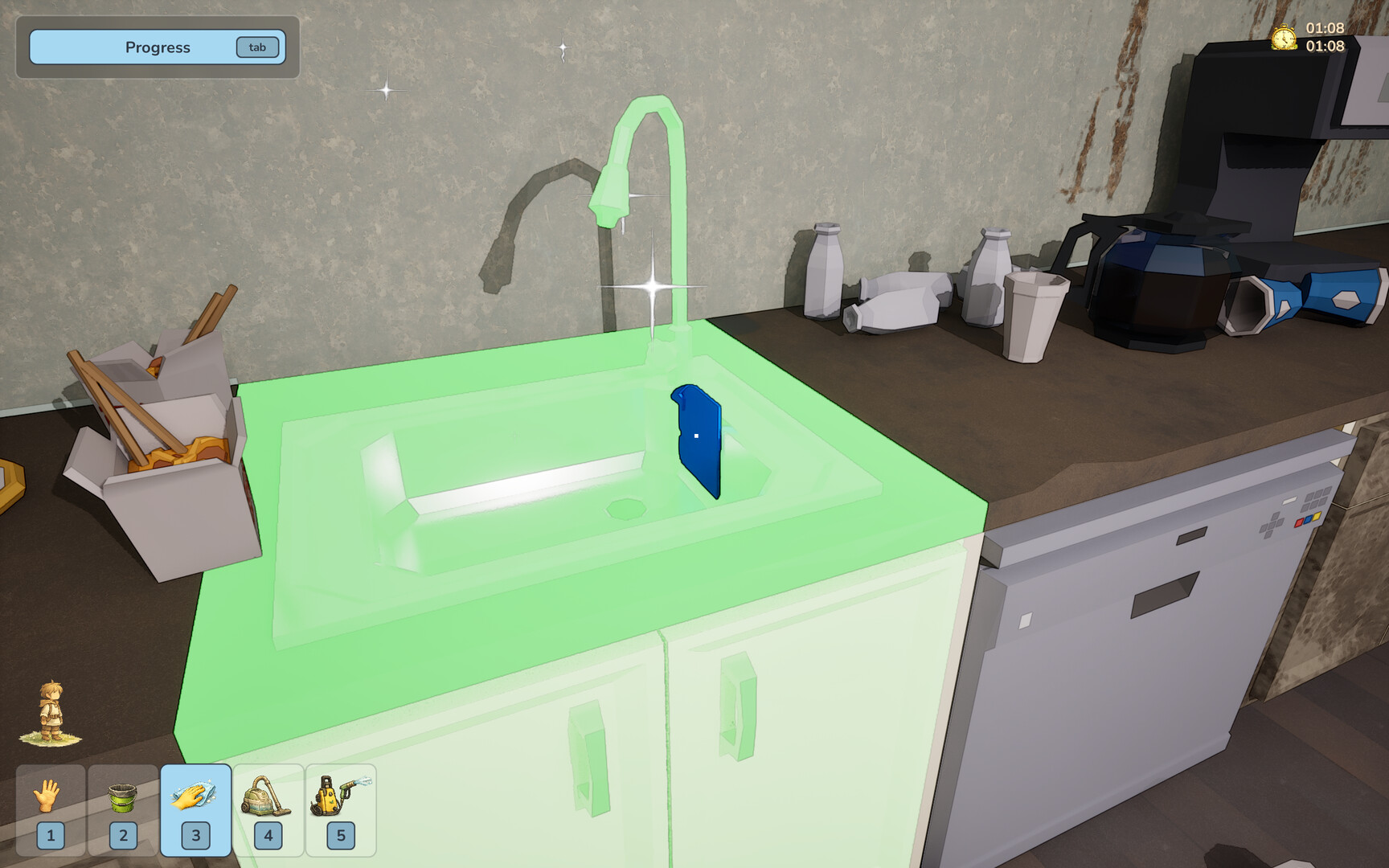
Your cleaning tools are displayed at the bottom or side of the screen. You'll encounter tools such as:
- Cloth / Sponge — for scrubbing surfaces and wiping grime
- Mop — for floor cleaning (note: reviews report the mop can feel awkward)
- Broom — for sweeping dirt and debris
- Duster — for high shelves and delicate surfaces
- Trash Bag / Bin — for collecting and disposing of clutter
Select a tool by clicking on it or pressing the corresponding number key.
3. Start the First Space — "Begin Again"
The first level (achievement name: Begin Again) serves as the tutorial. You'll enter a small, neglected room. Follow these steps:
- Survey the space by rotating the camera (right-click drag or scroll-wheel rotate).
- Identify areas of grime, clutter, and breakage.
- Select the appropriate tool for each mess.
- Click and drag to clean — hold the mouse button and move across the surface.
The first room is intentionally simple, teaching you the click-and-drag cleaning loop before larger, more complex spaces appear.
4. Master Camera Controls
Camera control is critical. Use:
- Right-click + drag to rotate your view
- Scroll wheel to zoom in and out
- Zoom in for precision work on small objects
- Zoom out to see your overall progress
Important: Some players report that camera turning can cause blurriness or motion discomfort. If you experience this, try zooming out slightly and making slower, more deliberate camera movements. There is no camera sensitivity slider confirmed by the developer at launch.
5. Work Systematically
The most effective approach (and the one least likely to miss hidden items) is to work section by section. Divide the room into quadrants or zones and fully clean each one before moving to the next. This prevents you from spreading dirt around and ensures you catch every hidden note and object.
6. Save Frequently — Before It's Too Late
While the game supports Save Anytime, early community feedback indicates that saves may not persist correctly in all cases. Best practice: Save after completing each significant cleaning milestone (e.g., finishing one wall, removing all clutter in a section, finding a story item). Use the Escape menu → Save option. Multiple save slots are recommended if available.
7. Read Everything You Find
Notes, letters, photographs, and personal objects are scattered throughout each space. The game tells its story entirely through these environmental details. You may find:
- Torn pages from a journal
- Old receipts or postcards
- Photographs showing how the space used to look
- Objects that appear across multiple chapters (recurring motifs)
Skipping these means missing the entire narrative core of Haven Restored.
8. Know When to Move On
Each space has a completion threshold — a percentage or checklist shown in the UI. Once you reach this threshold, the game prompts you to either Continue to Next Level or Quit. Warning: According to player reviews, pressing "Quit" at this screen may close the game entirely without saving progress. Always save manually before advancing to the next level, and use "Continue" when you intend to keep playing.
Advanced Tips
| Mistake | Why It Hurts | How to Fix |
|---|---|---|
| Skipping hidden corners | Story items and achievements are often tucked behind furniture or under clutter. | Rotate your camera 360° and check behind every large object before leaving a section. |
| Using the wrong tool on a surface | Some stains require specific tools — using a duster on wet grime or a mop on wood shelves wastes time and may not clean properly. | Experiment or visually assess the surface; if it's not working, switch tools. |
| Pressing "Quit" without saving | Reviews report that "Quit" on the level-complete screen closes the game entirely without saving progress. | Always save manually from the pause menu before finishing a level. |
| Carrying furniture and getting stuck | When moving furniture, the game may not let you "drop" the object, forcing a level restart. | Save before attempting any furniture repositioning. Move slowly and deliberately. |
| Ignoring the mop's learning curve | The mop has been widely reported as awkward and unintuitive. | Use short, overlapping strokes. Don't expect the same feel as the cloth/ sponge tool. |
| Rushing through levels | Haven Restored is designed as a slow, meditative experience. Rushing causes you to miss story beats and hidden items. | Take your time. There is no timer anywhere in the game. |
| Not checking for bugs before long sessions | Certain bugs (furniture clipping, unsaved progress, cleaning not registering) are more punishing in longer sessions. | Save every 5–10 minutes. Restart the game if you encounter physics glitches. |
| Playing on Steam Deck without testing | Camera blur and motion sickness have been reported on Steam Deck specifically. | If you're sensitive to motion blur, test the first 10 minutes on Deck before committing to a playthrough there. |
Core Mechanics
1. The Cleaning Loop
The fundamental gameplay loop is simple and tactile:
Assess → Select Tool → Clean → Reveal → Repeat
- Assess the space: Which areas are dirty? What tools are needed? Where are the story items?
- Select a tool from your toolbar appropriate to the surface and type of dirt.
- Clean by clicking and dragging across the affected area. The game provides real-time visual feedback — grime disappears, surfaces become shiny, clutter is removed.
- Reveal what was hidden: clean surfaces may expose notes, stains underneath may hint at past events, and rearranged furniture may uncover objects.
- Repeat until the completion threshold is met.
This loop creates a satisfying cycle of transformation that many players describe as meditative.
2. Tool-Surface Interaction System
Each tool has optimal and suboptimal uses:
| Tool | Best For | Avoid On |
|---|---|---|
| Cloth / Sponge | General surfaces, countertops, windowsills | Rough or broken surfaces |
| Mop | Floors, large flat wet areas | Furniture, walls, delicate surfaces |
| Broom | Loose dirt, debris, dust piles | Sticky or wet grime |
| Duster | High shelves, blinds, fragile items | Heavy stains, greasy surfaces |
| Trash Bag | Picking up clutter, disposing of rubbish | Clean items you want to keep |
If a tool isn't working on a surface, try another — the game doesn't punish experimentation.
3. Environmental Storytelling
Haven Restored's narrative is delivered without a single line of dialogue. Instead, the story is encoded in:
- Recurring objects: Items that appear in multiple spaces — a particular mug, a photograph frame, a plant — change location and condition across chapters, hinting at the passage of time and changes in the occupant's life.
- Notes and letters: Handwritten text found during cleaning. These are the primary narrative vehicle.
- Space transformation: The same room may appear in different chapters at different life stages — messy, clean, abandoned, restored. Comparing what changed tells the story.
- Achievement names: The highlighted achievements (Begin Again, Unpacked, Settling In, Too Much, Left Unsaid, Breaking Point, Walked Away, Letting Go, Somewhere Else, Restored) directly correspond to narrative beats. Use them as a story outline.
The developer has described this as "a quiet story of a life unfolding over time" — expect themes of change, loss, recovery, and renewal.
4. Furniture and Object Manipulation
Beyond cleaning, you can interact with objects in the environment:
- Pick up and move furniture to reach hidden dirt or to restore the room's original arrangement.
- Place objects in new positions (though the placement system has been reported as finicky — see Beginner Mistakes).
- Dispose of clutter using the trash tool.
Caution: The physics system for furniture handling has received negative feedback. Objects may fall through floors, and the drop mechanic may become unresponsive. Always save before heavy furniture rearrangement.
5. Progression and Chapter Structure
The game is divided into chapters, each presenting one or more spaces to restore. As you complete spaces:
- New areas unlock
- The narrative advances
- More complex cleaning challenges appear (combinations of grime types, larger spaces, more clutter)
- The story reaches its conclusion at the Restored achievement (likely the final chapter)
There is no experience system, no currency, and no upgrade tree. Progression is purely narrative and spatial.
Advanced Strategies
1. The Spiral Clean Method
Instead of cleaning randomly or in a grid, use a spiral pattern: start at the center of the room and work outward, or start at the perimeter and spiral inward. This ensures you cover every surface exactly once and never miss a section. It also creates a satisfying visual effect as the clean area expands organically.
How to execute:
- Identify the center point of the room.
- Clean the center object/surface first.
- Move in a widening circle, cleaning everything within reach.
- Continue until you've touched every surface, wall, and floor section.
2. Pre-Clean Survey (Scan Before You Scrub)
Before touching a single surface in a new level, spend 2–3 minutes observing:
- Rotate the camera 360° slowly, noting every visible dirt patch.
- Identify all story objects (notes, photographs, unique items).
- Locate the completion threshold UI element.
- Plan your tool usage: which areas need which tool.
- Identify potential trouble spots (cluttered furniture that may need moving).
This upfront investment prevents wasted effort and ensures no hidden items are missed.
3. The Save Scrub Strategy
Given the reported save bugs and physics glitches, adopt a defensive saving rhythm:
- Initial save upon entering a new space (before touching anything).
- Milestone saves after completing each 25% of the cleaning progress.
- Pre-manipulation save before moving any furniture or large objects.
- Post-find save after discovering any story item (notes, achievements).
- Pre-level-complete save before triggering the completion prompt.
If a glitch occurs (furniture falls through floor, drop stops working, cleaning disappears), reload from your most recent save rather than restarting the entire level.
4. Achievement Path Planning
The 21 Steam Achievements are tied to narrative progression (based on the highlighted achievement names) and likely some optional objectives. Maximize your achievement yield by:
- Exploring every corner in every chapter — missable achievements are likely tied to finding all hidden items per level.
- Completing optional cleaning — the game may track how thoroughly you clean beyond the minimum threshold.
- Interacting with every object — some achievements may trigger from specifically handling certain items.
- Paying attention to achievement names as story hints — the progression from Begin Again through Breaking Point to Restored maps the narrative arc. If you feel stuck story-wise, check which achievement you're closest to.
5. The Photography Method for Story Recall
Since the narrative is delivered entirely through notes and objects found during cleaning, it's easy to forget details between sessions. Take screenshots (F12 on Steam) of:
- Every note or letter you find
- Every unique or recurring object
- Before-and-after shots of each space
Review these screenshots before starting a new session to re-immerse yourself in the story. This is especially helpful because the environmental storytelling is subtle — connections between chapters may not be obvious until you can compare images side by side.
FAQ
1. Is Haven Restored free?
No. It costs $4.99 USD (full price, no ongoing discount at launch). The current Steam price in SGD is S$5.89.
2. How long is a full playthrough?
4–8 hours, depending on how thoroughly you clean and explore each space. Completionists and achievement hunters will lean toward the upper end of this range.
3. Is there a story?
Yes. The narrative is delivered entirely through environmental storytelling — notes, objects, photographs, and the changing condition of spaces across chapters. There is no dialogue, voice acting, or text narration. The story follows a single life over time, touching on themes of change, loss, and renewal.
4. Can I save at any time?
Yes. The game supports Save Anytime through the Escape menu → Save. However, early player reviews report that saves may not always persist correctly. Save frequently and use multiple slots if available.
5. Does the game have achievements?
Yes — 21 Steam Achievements total. The highlighted achievements are: Begin Again, Unpacked, Settling In, Too Much, Left Unsaid, Breaking Point, Walked Away, Letting Go, Somewhere Else, and Restored. These likely map to story chapters and completion milestones.
6. What platforms is it available on?
Windows 11 (64-bit) only. No Mac, Linux, or console versions have been announced.
7. Does it work on Steam Deck?
The game has not been officially verified for Steam Deck. Player reports indicate camera blurriness and motion discomfort when playing on Deck. Proceed with caution if you're sensitive to motion blur.
8. What are the known bugs?
Based on player reviews at launch (July 2026):
- Camera blurriness when turning, especially on Steam Deck
- Furniture falling through floors when picked up
- Inability to drop held objects, forcing level restarts
- Save progress not persisting after quitting or reopening
- "Quit" button on level-complete screen closes the game without saving
- Mop tool feels clunky and unresponsive
- Cleaning actions may not register properly on some surfaces
These are based on early-access player reports and may be patched in future updates.
9. Are there difficulty settings?
No. The game has a single difficulty mode — relaxed — with no timers, no fail states, and no pressure. It is designed to be accessible to all skill levels.
10. Is there replay value?
Limited at launch. Once you've completed all chapters and earned all 21 achievements, there are no procedural levels or sandbox modes confirmed. The value is in the one-time narrative experience plus achievement hunting.
11. How do I contact the developer?
Through the publisher's website: perseverancegames.com.sg. There is no direct email listed on the Steam page.
12. What if I encounter a game-breaking bug?
Immediately:
- Save your game if possible.
- Restart the game from the desktop.
- If the bug persists, verify Steam file integrity (right-click game → Properties → Installed Files → Verify integrity of game files).
- Report the bug via the developer's support website.
Final Tip — The Mindset of Restoration
Haven Restored is best approached as a mindfulness practice rather than a game to be "beaten." The satisfaction comes not from efficiency, but from the act of transformation itself — watching dirt disappear, seeing a room slowly come back to life, and piecing together fragments of a life that the game respects enough to never fully explain.
The single most important piece of advice: Play with headphones, turn off all distractions, and let yourself sink into the rhythm of cleaning. The game's quiet power is in its atmosphere, not its mechanics. If you chase bugs or optimize too heavily, you'll miss what makes it special.
Verdict: At $4.99 with 4–8 hours of content, Haven Restored is an affordable entry into the cozy restoration genre. It has rough edges — the physics system, save reliability, and camera comfort need patching — but the core experience of meditative cleaning and environmental storytelling is genuinely unique. For fans of Unpacking or PowerWash Simulator who want something even slower and more personal, it's worth a try.
Guide written by the Game How-To team. Game data sourced from Steam API (store.steampowered.com/api/appdetails?appids=4272830), Steam reviews, and player community feedback as of July 2026. This guide will be updated as patches and community discoveries emerge.
Screenshots