Official game
Play Perpetual Fear
This game is hosted by Steam. Continue to the official page to play or download it.
Buy on SteamOverview
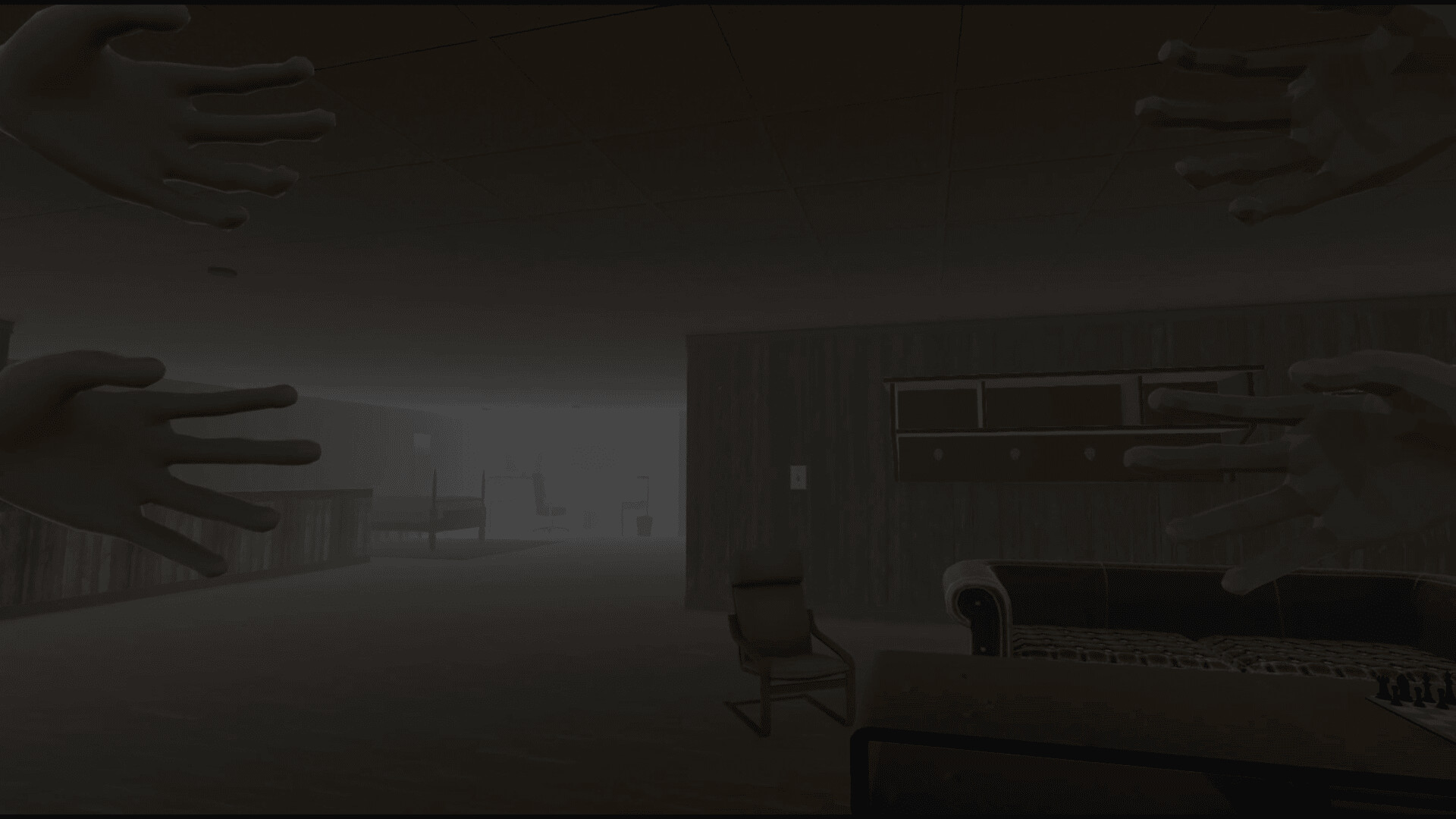
Perpetual Fear is a 3D first-person horror "spot the anomaly" game developed and published by BioChrono Studios, released June 29, 2026 on Steam (Windows only). You are trapped in a disorienting, ever-shifting haunted house where perception and attention to detail are your only survival tools.
Across 36 levels in three acts, you identify what does not belong in each room — a painting flipped upside down, furniture moved, a door that was never there — while piecing together a dark story from scattered notes. Your choices and thoroughness determine which of 4 endings you unlock. At ~$2.39 USD, it offers a compact horror experience for fans of The Exit 8, Layers of Fear, and Doors.
2. Details Table
| Attribute | Value |
|---|---|
| Title | Perpetual Fear |
| Developer / Publisher | BioChrono Studios |
| Steam App ID | 4278350 |
| Release Date | June 29, 2026 |
| Base Price | ~$2.39 USD |
| Platform | Windows only |
| Genres | Adventure, Indie, Simulation, Horror |
| Steam Tags | 3D, First-Person, Horror, Multiple Endings, Singleplayer |
| Total Levels | 36 (Acts 1–3, 12 each) |
| Endings | 4 distinct endings |
| Key Features | Spot-the-anomaly, shifting house, sanity system, 20 collectible notes that modify gameplay, choice-driven narrative |
| Accessibility | No timed input, custom volume controls, mouse-only mode, Family Sharing |
| Languages | English (full audio) |
| Age Rating | Brazil 14+, Germany 16+, Indonesia 18+ |
| Storage | 2 GB |
| Difficulty Modes | Story (no entities), Normal, Hard |
3. Target Audience
Perpetual Fear suits players who enjoy:
- Spot-the-anomaly / "find the difference" gameplay — similar to The Exit 8 or Content Warning.
- Short horror experiences — 2–4 hour playthrough, ideal for a single sitting.
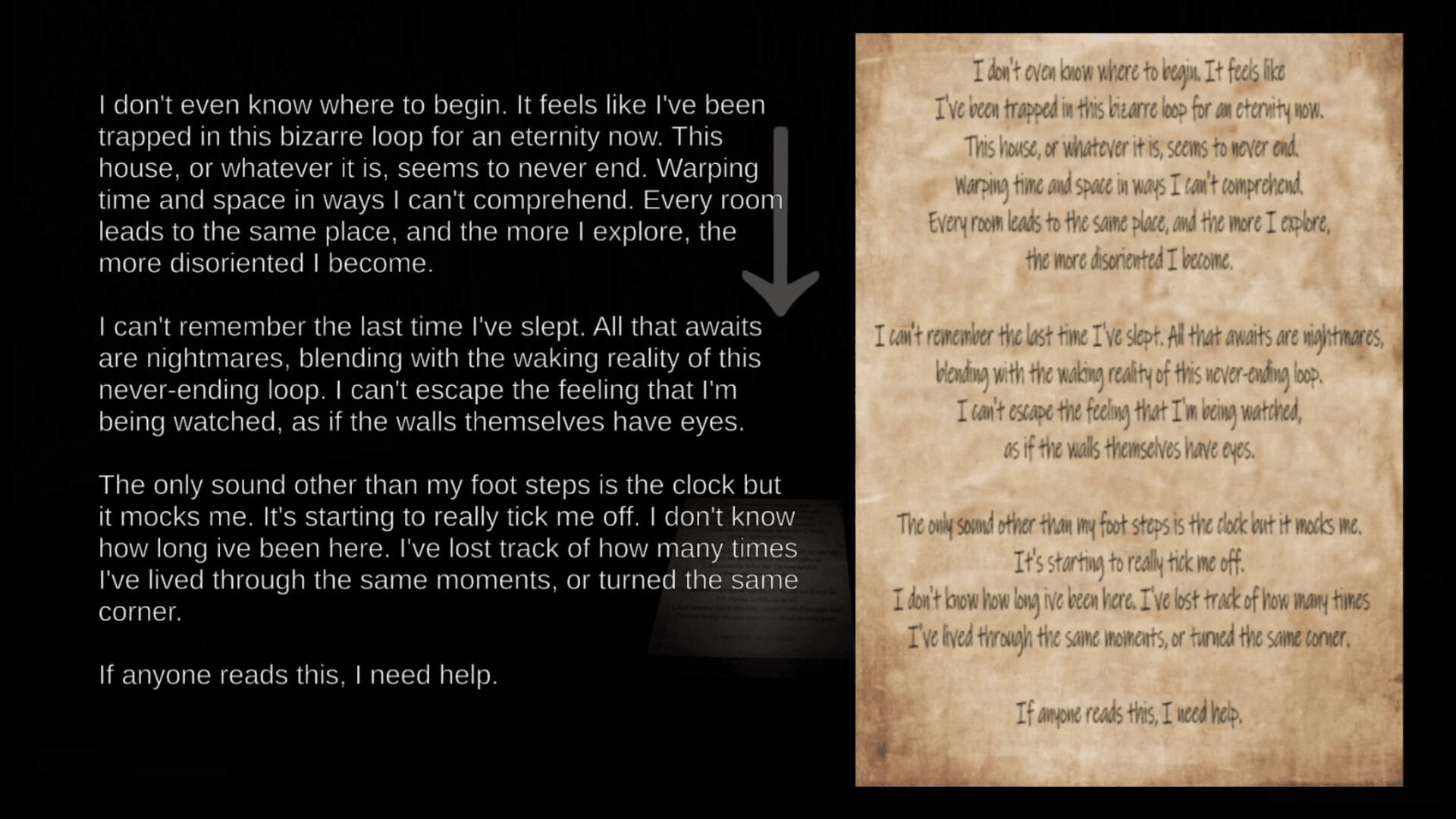
- Narrative-driven exploration — lore is delivered through collectible notes.
- Multiple playthroughs — 4 endings and 20 journal entries demand 2–3 runs to see everything.
- Low-spec gaming — minimum GTX 750 Ti, 6 GB RAM.
- Accessible horror — no jumpscare dependency; horror is atmospheric and psychological.
Not for: players wanting combat-heavy action, 10+ hour campaigns, or those who dislike observation-based puzzle loops.
Getting Started
Step 1: Purchase & Install
Buy on Steam. Download ~2 GB. No extra accounts needed.
Step 2: Configure Settings
Press Esc → Settings. Recommended: 70% sound / 100% ambient audio. Start on Normal difficulty.
Step 3: Controls
| Action | Key |
|---|---|
| Move | WASD |
| Look | Mouse |
| Interact | E |
| Flashlight | F |
| Run | Shift (hold) |
| Crouch | Ctrl |
| Journal | Tab |
| Pause | Esc |
Step 4: Learn the Core Loop
- Enter a room → observe the baseline state.
- Find anomalies → anything wrong, moved, or changed.
- Press E on anomalies to confirm.
- Collect notes → they change gameplay mechanics.
- Exit → house shifts, next level begins.
Step 5: Master the Journal (Tab)
The journal tracks explored rooms, safe rooms (blue icons), anomaly logs, collected notes (#1–20), and your sanity gauge. Check it after every completed room.
Step 6: Understand the Shifting House
The house reconfigures every 2–3 levels. Safe rooms never shift. Your journal updates dynamically. After a shift, locate the nearest safe room and recover.
Step 7: Pace Yourself
Speed is never rewarded. Take 3–5 minutes per room. Develop a left-to-right, top-to-bottom scanning pattern. Leave and re-enter rooms to compare states.
Step 8: Plan for Replays
First runs typically unlock Ending 1 or 2. Subsequent runs let you focus on missed notes, higher anomaly identification, and different final decisions.
Advanced Tips
| # | Mistake | Why It Hurts | How to Fix |
|---|---|---|---|
| 1 | Ignoring the journal | Lose map tracking and sanity awareness | Open journal after every room |
| 2 | Overusing flashlight | Battery is finite for the entire run | Use ambient light; toggle F briefly |
| 3 | Rushing rooms | Missed anomalies lower ending quality | Systematic scan, leave+re-enter |
| 4 | Ignoring audio cues | Miss half the anomaly types | Headphones, lower ambient volume |
| 5 | Staying too long | Sanity drains, attracting entities | Identify, leave, recover in safe rooms |
| 6 | Skipping notes | Locked out of Endings 3 and 4 | Check every drawer and corner |
| 7 | Ignoring sanity | Creates fake anomalies and entity spawns | Keep sanity above 50% |
| 8 | Forgetting house shifts | Get lost after reconfiguration | Check journal map after each shift |
| 9 | Avoiding difficulty options | Story or Hard better suits some players | Experiment freely |
| 10 | Assuming only visual anomalies | Audio, temperature, and behavioral anomalies exist | Listen and compare on re-entry |
6. Core Mechanics
6.1 The Anomaly System
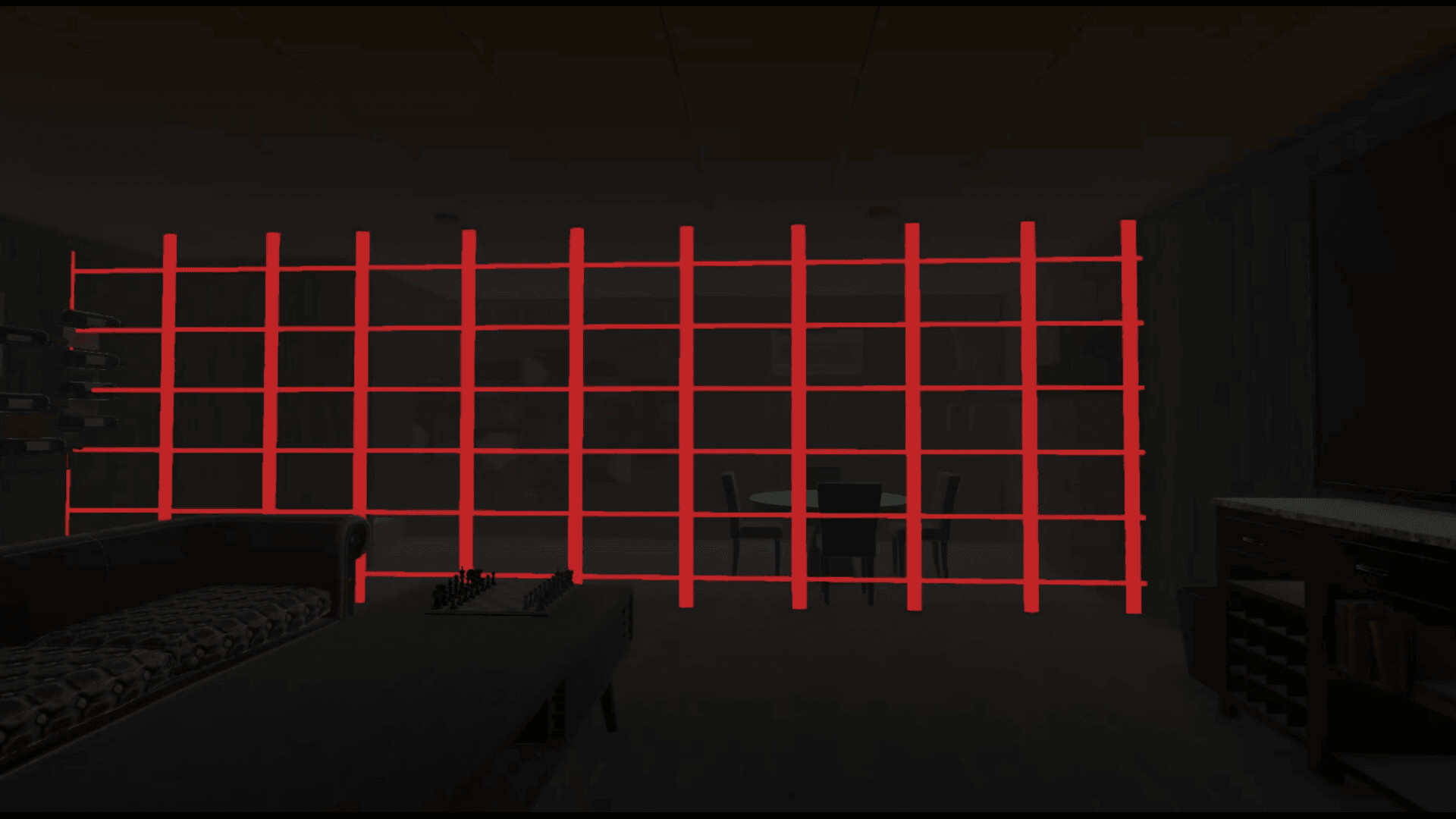
Each level contains anomalies — deviations from a room baseline state. Categories:
- Positional: Objects moved or rotated (clock falls off wall).
- State: Objects change color, material, or appearance (curtain goes from red to blue).
- Existential: Objects appear or vanish (mirror materializes on wall).
- Audio: Whispers, footsteps, screams with no source.
- Environmental: Temperature shifts, room dimensions change, lighting alters.
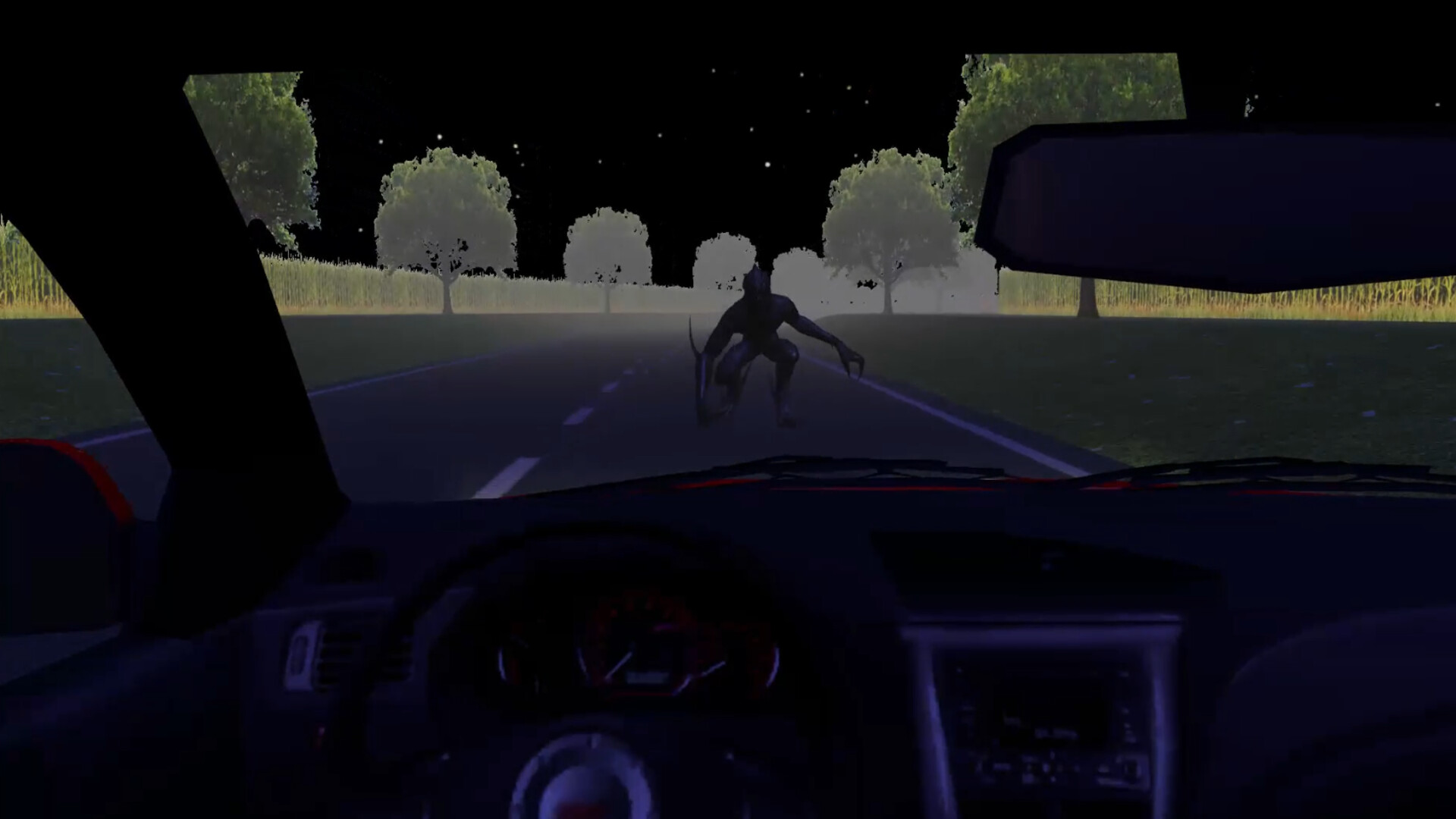
- Entity: Hostile presence (visible or detectable through environment).
Correct identifications improve your ending. False identifications (interacting with non-anomalous objects) drain sanity and may alert entities.
6.2 The Shifting House
Every 2–3 levels the house reconfigures: corridors lead elsewhere, rooms swap positions, new areas open. Only safe rooms remain fixed. The journal map updates in real time. Always check it after a shift to reorient.
6.3 Sanity System
Sanity depletes from lingering in anomalous rooms, false identifications, entity proximity, and darkness.
Below 30% sanity:
- Visual distortion (screen warping, flickering)
- Audio hallucinations (fake footsteps, whispers)
- False anomaly indicators (objects seem to move when they have not)
- Entities become more aggressive and spawn earlier
Recover by: visiting safe rooms (~30 sec for full restore), completing rooms, or finding certain notes.
On Hard difficulty, sanity management is the primary challenge — adopt a "scan → identify → leave → recover" rhythm.
6.4 The Note System
20 notes are hidden across the 36 levels. Each note:
- Advances the story — fragments of the house backstory.
- Modifies gameplay — examples: increases false anomalies, disables a safe room, unlocks map trail-marking, enables temporary stealth.
Finding notes permanently changes your playthrough. More notes = more gameplay evolution. Note #3 (early Act 1) marks safe rooms on your map. Collecting all 20 is required for the best ending.
7. Advanced Strategies
7.1 Systematic Scan Protocol
- Pause at threshold (5 sec) — note baseline sound, temperature, layout.
- Peripheral pan — scan left to right.
- Detail sweep — paintings → furniture → doors → windows → lighting → floor.
- Audio check — close eyes for 3 sec, detect sound changes.
- Leave and re-enter — compare the two states.
- Repeat if journal says "unresolved anomalies remain."
60–90 seconds per room. Consistent use yields 85%+ identification rate.
7.2 Battery Conservation
The flashlight battery is finite for the entire playthrough. Never depletes.
- Navigate using ambient light (the house is never fully dark).
- Use flashlight only for verifying anomalies in corners and reading distant notes.
- Tap F for 1–2 second flashes instead of holding.
- Kitchen, outdoor, and safe room areas have abundant light — keep flashlight off.
7.3 Ending Optimization
| Ending | Requirements | Strategy |
|---|---|---|
| 1: Awakening | < 50% anomaly ID | Casual play, skip notes |
| 2: Escape | 50–75% ID, 10+ notes | Systematic scan, obvious drawers |
| 3: Understanding | 75–90% ID, 15+ notes | Full protocol, check hidden spots |
| 4: Transcendence | 90%+ ID, all 20 notes, correct final choice | Completionist run, save before final room |
Ending 4's final choice is context-dependent — it changes based on notes found. All 20 notes reveal a hidden clue in the journal for the correct decision.
7.4 Entity Avoidance (Hard Mode)
Entities are line-of-sight and sound-sensitive:
- Freeze when you hear spawn audio (rumble + static).
- Crouch (Ctrl) to reduce visibility and footstep noise.
- Break line of sight behind walls and closed doors.
- Flashlight attracts entities — turn it off when hunted.
- Safe rooms are entity-proof. Run to the nearest one.
On Normal, entities appear from Act 2. On Hard, they appear from Act 1 and are faster.
7.5 Note Meta-Game
- Sequence breaking: Note #3 marks safe rooms early.
- Note stacking: Night vision + reduced flashlight drain = faster dark-level clearing.
- Risk management: If a note disables a safe room, find the next note quickly (counter-balance is usually 2–3 levels ahead).
- Decision context: More notes = better final choice confidence.
FAQ
Q1: How long is Perpetual Fear?
2–3 hours first playthrough; 3–4 hours completionist; 2–3 more for all endings.
Q2: Is it scary?
Yes — atmospheric/psychological horror, not jumpscare-heavy.
Q3: Can I play on Mac or Linux?
No — Windows only. Unofficially works on Proton Experimental.
Q4: How many endings and how to get the best?
4 endings. Best (Transcendence) needs 90%+ anomaly ID, all 20 notes, correct final choice.
Q5: Does the flashlight recharge?
No. Finite battery for the whole run.
Q6: Can I miss notes permanently?
Yes — per playthrough. Notes are level-specific. Find them on your next run.
Q7: Is there New Game+?
No, but the game structure (different anomaly configs, note effects) supports replay naturally.
Q8: How do I know a room is fully cleared?
Journal says "Room cleared — no anomalies remaining."
Q9: What are the PC requirements?
Minimum: Win 10, i3-4130/FX-6300, 6 GB RAM, GTX 750 Ti/HD 7850, 2 GB storage.
Recommended: Win 10/11 64-bit, i5-8400/Ryzen 5 2600, 8 GB RAM, GTX 970/RX 570.
Q10: Controller support?
No. Keyboard + mouse only. Mouse-only mode is available.
Q11: Worth the price?
Yes — strong value at ~$2.39 for atmospheric horror with 4 endings and innovative note system.
Q12: Known bugs?
Still early post-launch. Minor visual glitches during shifts reported. Developer is responsive on Steam forums.
9. Final Tip & Verdict
"Do not trust your eyes. Do not trust your memory. Trust your journal and the silence between sounds."
The house disorients you deliberately. Develop a systematic process for every room. When in doubt, leave, re-enter, and compare.
Verdict: 7.5/10 — A focused, well-crafted anomaly-hunting horror game with an innovative note-modifier system, meaningful choices, and strong atmosphere. Short but sweet, and a great value at its price point.
Strengths: Atmospheric design, clever note modifiers, rewarding exploration, accessibility options.
Weaknesses: Short runtime, Windows-only, no controller support, limited community resources at launch.
10. Editorial & Attribution
Guide compiled July 9, 2026 from Steam API data (App ID 4278350), official store page, and original game analysis. Unaffiliated with BioChrono Studios.
Game (c) 2026 BioChrono Studios. Perpetual Fear is a trademark of BioChrono Studios.
Written for the Game How-To project.
Screenshots